
Picture to Dance: Which Photos Survive the Effect
Turning a picture to a dance is decided by who is in the photo, not by the prompt. A body-type and crop map for full shots, waist-ups, group photos, pets, babies and illustrations, plus the retry order that saves attempts.
On this page
# Picture to Dance: Which Photos Survive the Effect
Turning a picture to a dance is usually described as a prompt problem, and it almost never is. By the time you have chosen the photo, most of the outcome is already fixed: the crop decides which body parts exist, the pose decides which direction the motion can go, and the number of people decides whether identity survives. Prompts choose the style of the movement. The photo chooses whether there is a movement at all.
This page works through the six kinds of photo people actually feed a dance effect, what each one can and cannot perform, and the order in which to retry when a clip comes back wrong.
What the effect is actually being asked to do
A dance is not one motion. It is a chain: weight shifts to one leg, the hip follows, the shoulder counter-rotates, the head stays level, the arms arrive last. Every link in that chain depends on a body part being visible and on the pose being readable.
That is why a waist-up portrait cannot be given a dance with footwork — there are no feet in the frame to move, so the model either ignores the instruction or invents legs, and invented legs are where the effect breaks. It also explains why a full-body photo taken from a low angle dances worse than the same body shot straight on: the perspective has already distorted the proportions the model needs to keep consistent.
The practical rule: the crop is the choreography. Whatever is outside the frame cannot be part of the movement, and whatever is at the frame edge will be the first thing to distort.
Six kinds of photo, six outcomes
| Photo type | What it can perform | What it cannot | Main failure mode |
|---|---|---|---|
| Full body, straight on, feet visible | A full short routine, weight shifts, turns | Floor work, jumps that leave frame | Feet slide or leave the ground |
| Full body, low or high angle | Upper-body emphasis only | Anything relying on proportions | Body stretches as it moves |
| Waist-up portrait | Shoulder and head movement, sway | Steps, spins, anything with legs | Legs invented below the crop |
| Group photo, two to four people | One person leading, others still | Synchronised choreography | Faces swap between subjects |
| Pet, full body | Head turns, ear flicks, small bounces | Bipedal moves, arm gestures | Legs turn human |
| Baby or toddler | Bounces, arm waves, head turns | Anything with balance | Proportions drift toward adult |
Every row in the "cannot" column has the same root cause: the model is being asked to move something the photograph did not supply.
Full body is the only crop that can dance properly
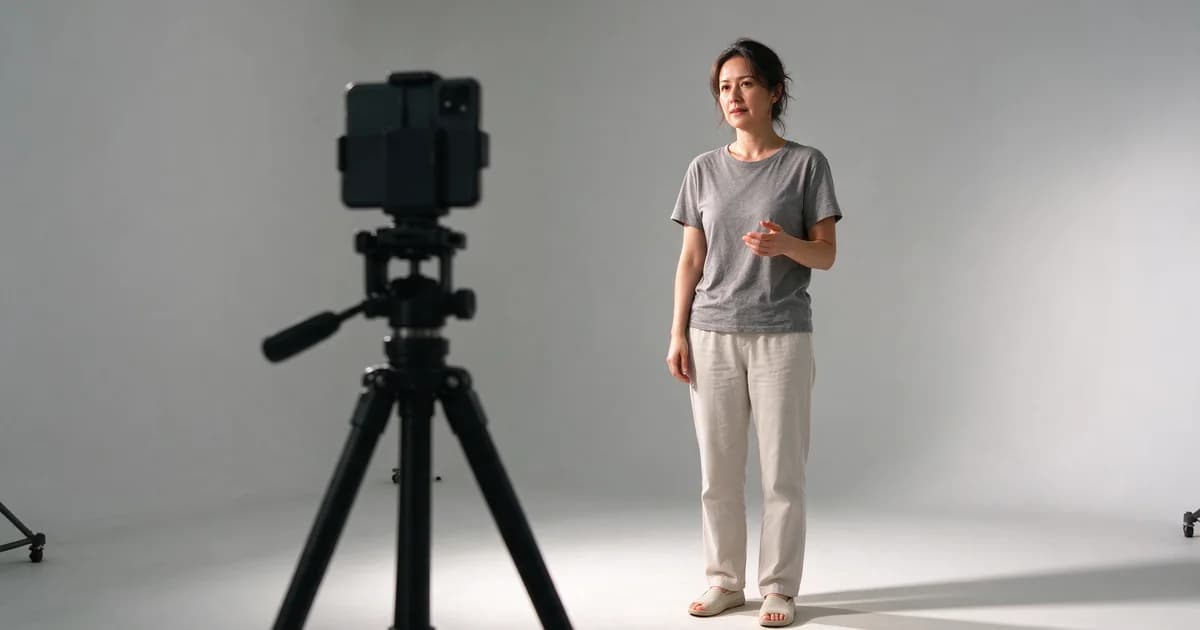
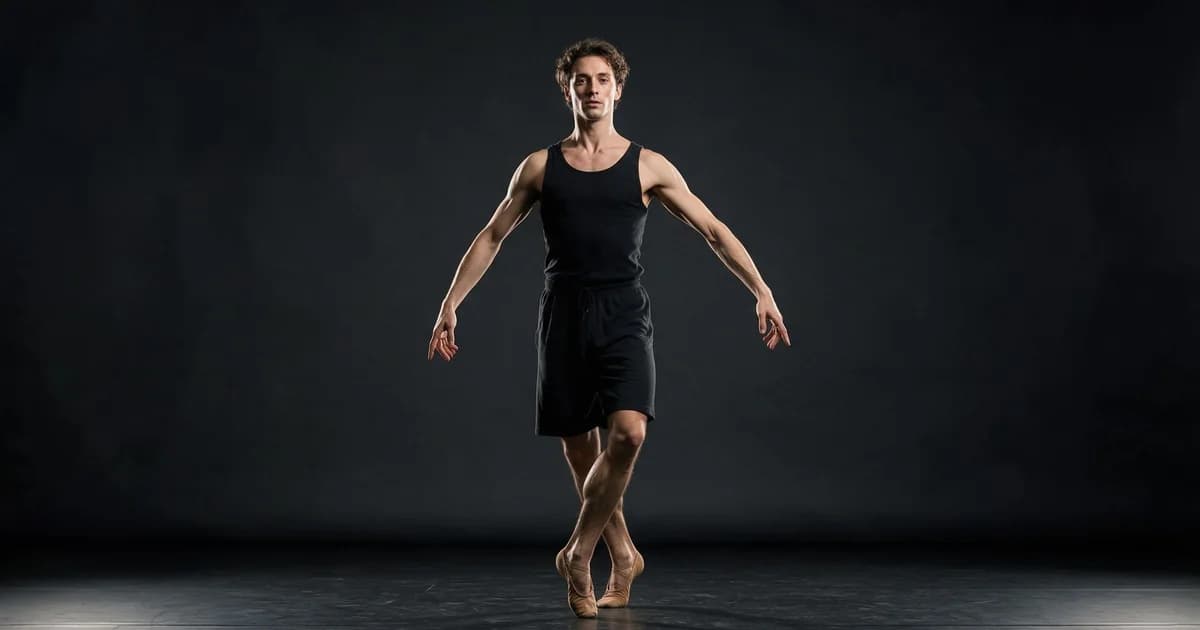
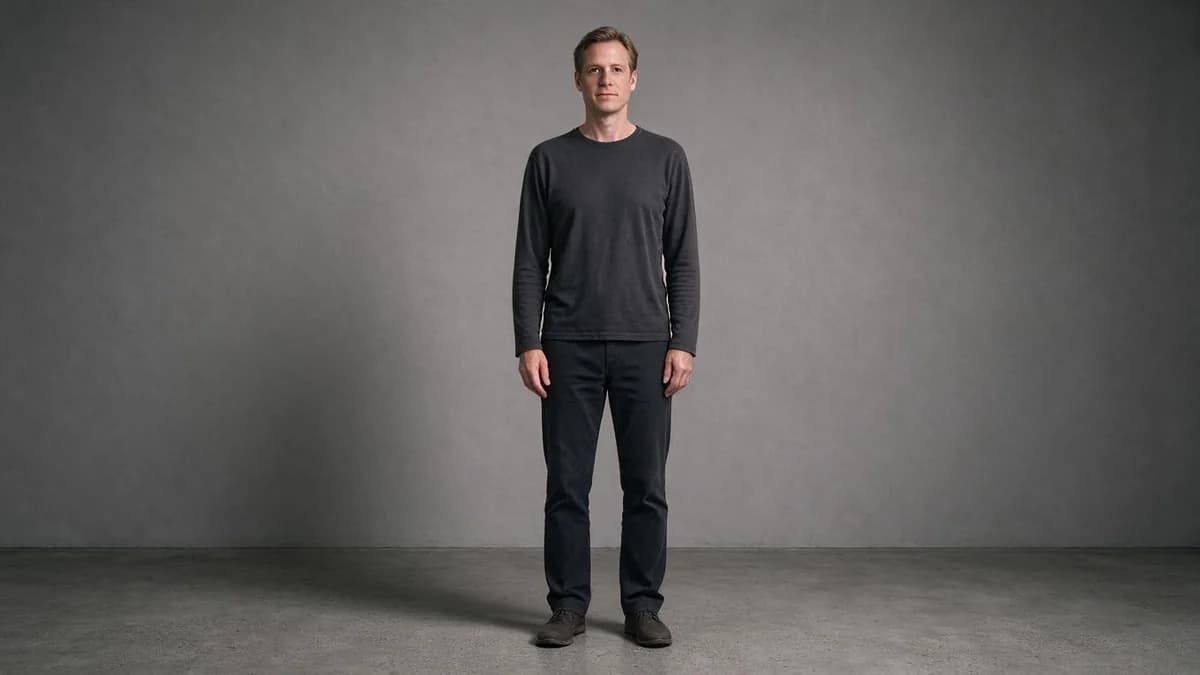
A full-body shot where the feet are inside the frame and the camera is roughly at chest height is the only source that can carry a real routine. Everything else is a partial performance.
Three conditions make a full-body photo usable:
- Feet fully inside the frame, with floor visible under them. Without a visible floor, the model has no reference for contact, and the character appears to float.
- Camera at chest height, straight on. Low angles lengthen legs and shorten torsos; when the model animates that distortion it gets worse, not better.
- Arms clear of the torso. Arms crossed or hands in pockets remove the limb the effect needs most.
If you have one good full-body photo, use it for every dance you try. A single clean source will carry dozens of attempts; a marginal one will fail on all of them.
Waist-up photos cannot step
The most common mistake is feeding a portrait and asking for a dance. A waist-up crop contains a head, shoulders and arms — that is the entire vocabulary available. What it can do well is the upper-body half of a dance: a sway, a shoulder roll, a head tilt on the beat, arms lifting.
What it cannot do is anything requiring a change of stance. Ask for a spin and the model will either ignore it (the clip looks like a slow sway) or invent legs under the crop, which produces the classic rubbery lower frame.
The useful reframe for portraits is to stop thinking of the clip as a dance and start thinking of it as a performance of the top half. That is a real genre — most social dance clips are shot waist-up for exactly this reason — and a portrait can carry it convincingly.
Group photos: count the people first
Two people can work. Four people usually do not, and eight never do.
The reason is not frame space, it is identity. Each additional subject is another face that has to survive overlap, and overlap is where generative models have the least information. In a group of four, at least one face will swap or blur by the third second.
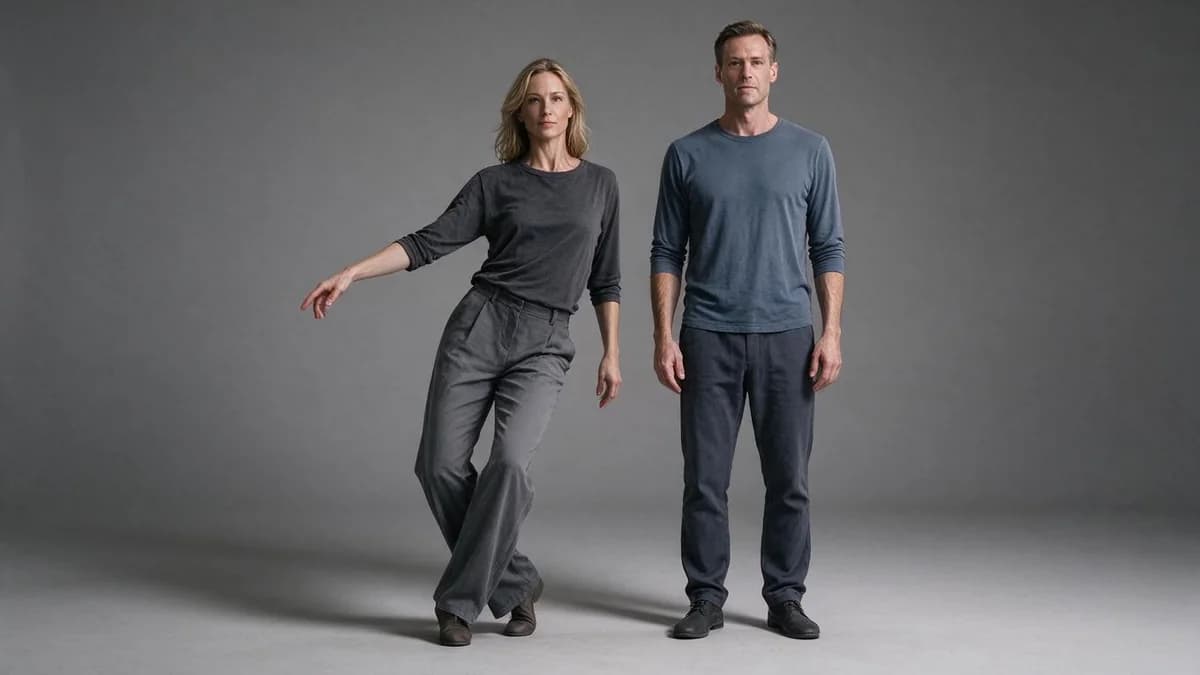
If the photo has more than two people, pick one as the lead and describe the others as still:
the person on the left steps and turns, the others stay still, camera static, everyone in frame
Naming who moves is the single highest-value clause in a group shot. Leaving it open means the model distributes motion across the frame and everyone drifts.
Pets and babies: proportion decides the range
Pets. A full-body pet photo can carry head turns, ear flicks, tail movement and a small bounce. What it cannot carry is anything bipedal — ask a dog to wave and you get human arms. The trap is that "dance" as a word pulls the model toward human motion, so describe the movement, not the genre: "the dog's head turns and its ears lift, body still".
Babies and toddlers. The motion budget is small and the proportions are delicate. Bounces, arm waves and head turns work. Anything involving balance — standing, stepping, spinning — drifts toward adult proportions within a second or two, and the result reads as uncanny rather than cute. Keep the movement small and the clip short.
Illustrations and anime sources: the most forgiving, and the pickiest
Drawn sources are forgiving because there is no photographic truth to contradict — a stylised character moving slightly still looks like the same character. They are picky for the opposite reason: a strong art style has its own rules about how a figure deforms, and generated motion rarely respects them.
Two things improve the hit rate. First, choose art where the limbs are clearly separated from the torso — a silhouette with the arms against the body gives the model nothing to grab. Second, describe movement in the style's own vocabulary: "the character's coat flares and their hair lifts", not "they dance".
The retry order that saves attempts
When a clip comes back wrong, most people rewrite the prompt. That is the fifth thing worth changing, not the first. The order that actually converges:
- Change the photo, not the prompt. If the body distorts, the source pose is the cause. Swap to a straighter, more readable pose before touching a single word.
- Shorten the routine, not the clip length. Five seconds of dance is already ambitious. If the clip collapses near the end, keep the five seconds and cut the choreography down to a single smaller move — half a step, one arm, a weight shift.
- Reduce the movement. Half a step reads better than a full step. Ask for less and the model has less to invent.
- Lock the camera. A moving camera spends budget on the frame instead of the body, and the frame is what breaks.
- Only now rewrite the sentence. Replace adjectives with a body part, a direction and a magnitude: "the hips shift left, shoulders counter, head stays level".
Following that order typically cuts the number of attempts per usable clip by half, because four of the five common failures are source problems wearing a prompt costume.
FAQ
Can I make a photo dance if I only have a portrait? You can make the upper body move — sway, shoulder roll, head tilt. You cannot get footwork, because there are no feet in the frame. Shoot or find a full-body photo if the routine matters.
Why do the legs look wrong when I animate a waist-up photo? The model has to invent them. Crop tighter so the frame ends where the body ends, or use a full-body source.
How many people can be in the photo? Two works reliably. Beyond that, name one person as the lead and describe the rest as still.
Does a low-angle photo work? It distorts proportions before animation starts. Straight-on at chest height is the safest source.
What length should the clip be? Five seconds for a full-body routine. A portrait sway also runs at five seconds — the clip length stays the same and the movement gets smaller. Longer clips spend more frames on the parts that drift.
Do I need to describe the dance by name? No. Names of dances mean different things to different models. Describe the body: which part moves, in which direction, how far.
Next
AI Dance Video Generator covers the mechanics behind the effect — source framing, camera lock, and how motion instructions are read. If your photo is not a person at all, Animate Photos maps which materials can move in a still frame, and How to Make AI Videos covers choosing a route before a tool.
Start with one full-body photo on the templates page.
If you want to test those rules on your own photo first, the AI dance tool takes one full-body shot and returns a five-second take — one pass is usually enough to see whether the frame qualifies.