
Motion Control AI: Driving a Still Photo With a Reference Clip
Motion control ai is not a prompt problem — it is an input problem. The reference clip decides which motion you get, the source frame decides how much of it survives, and the camera has to stay locked or the whole thing unravels.
On this page
# Motion Control AI: Driving a Still Photo With a Reference Clip
Motion control ai is the one branch of image-to-video where the prompt barely matters. You are not describing a motion and hoping the model interprets the description well. You are handing over a second piece of footage and saying: take the movement from here, and put it on that. The motion is not inferred, it is transferred — which makes the job easier in one way and much less forgiving in another.
The easier part is that you stop guessing at verbs. "She turns slightly and her hair lifts" is a sentence the model can read five different ways. A four-second clip of a person actually turning is unambiguous. The unforgiving part is that every weakness in either input shows up immediately: a reference clip with a hand crossing the face, a source photo with the arms glued to the torso, a camera that drifts half a degree — each of those produces an artifact that no amount of rewriting the prompt will remove.
So the useful way to think about motion control is as three inputs and one constraint, in this order: a reference clip that carries clean motion, a source frame with enough room for that motion, a duration that matches how far the motion travels, and a locked camera.
The reference clip is the script
In text-driven animation, the model invents the movement. In motion control, the reference clip is the author. Whatever that clip does, the output tries to do — including the parts you did not notice when you picked it.
A clip is usable when a stranger could describe the motion in one sentence after watching it once. Push, turn, reach, sit down, lift an arm. It is not usable when the motion is compound, when two things move at once, or when the subject keeps leaving the frame and coming back, because the model has to reconcile every re-entry with a source photo that only exists once.
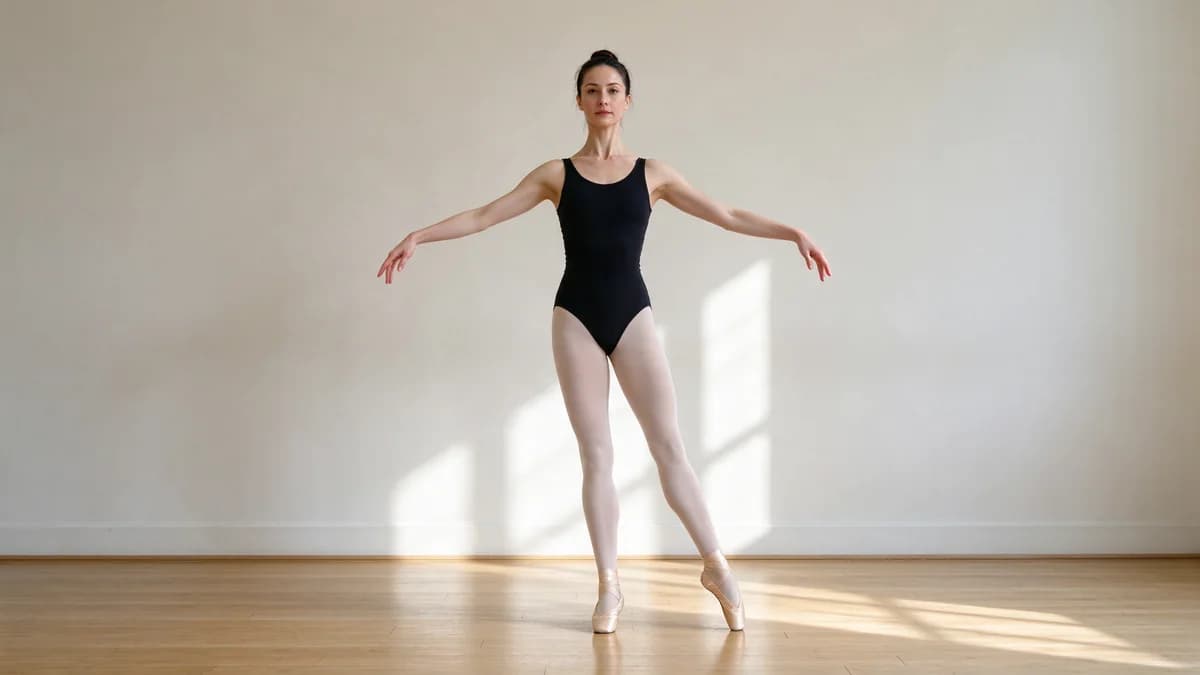
| What a usable reference clip has | What quietly ruins it |
|---|---|
| One subject, clearly the largest thing in frame | Background people moving independently |
| Full body in frame, feet visible | Cropping at the knees or waist |
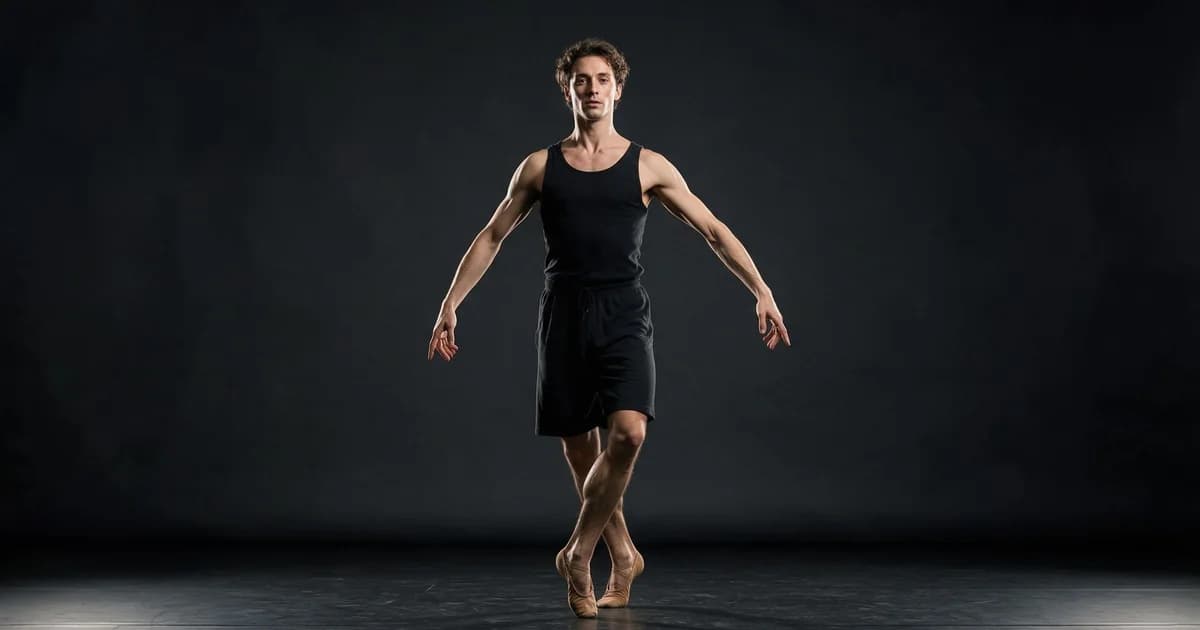
| Arms held away from the torso | Hands brushing past the face or chest |
| A single, repeating motion | Two or three different actions in five seconds |
| Subject stays inside the frame the whole time | Walking out of frame and back in |
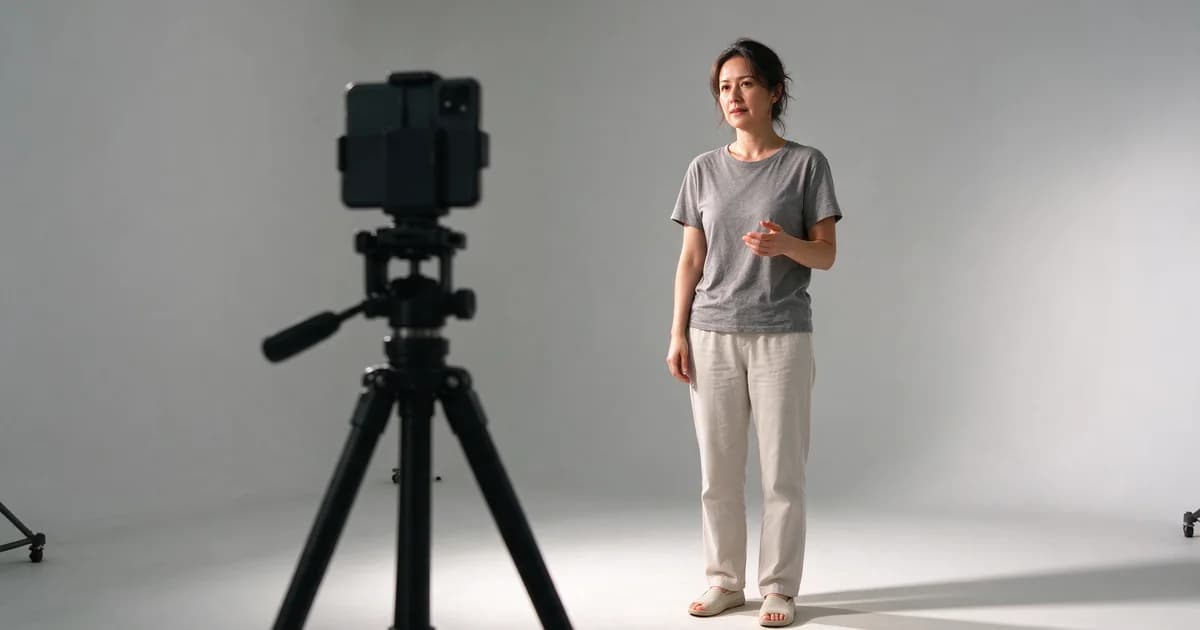
| Camera locked on a tripod | Handheld sway, zoom, or a pan |
| Even, directional light | Backlit silhouettes with no surface detail |
| 24–30 fps, no motion blur smearing | Slow-shutter clips where limbs are already smeared |
The arm-and-hand rule catches more people than any other. When a hand passes in front of the face, the model has to reconstruct a face it can only see partially, for a few frames, and it almost always guesses wrong. Shot from a clean angle with the arms out, the same motion transfers without a single artifact.
The source frame sets the ceiling
The reference clip says what should happen. The source photo says how much of it is possible.
A still frame is a single observation of a body, and it fixes almost everything: where the shoulders are, which way the hips face, where the weight sits, what the background looks like behind each limb. When the transferred motion asks the body to do something that contradicts that observation — a torso that was facing left now needs to face right — the model has two bad options. It can rotate the torso and let the background slide, or it can keep the background and let the anatomy fold. Both read as broken.
Three properties make a still frame a good host:
- The whole body is present and unoccluded. Cropped at the hips, the frame has no information about the legs, so any step becomes a guess.
- The pose is neutral, not already committed. Standing with the weight even and the arms slightly away from the body gives the motion somewhere to go. A frame caught mid-turn is already mid-action and fights whatever comes next.
- The background is soft and continuous. A plain wall, a shallow-focus street, a studio sweep. Busy geometry behind the subject is what gets dragged when the body moves.
And one property that decides whether the result looks filmed or composited: the light direction in the source frame has to match the light direction implied by the motion. If the still is lit from the left and the reference clip walks into a right-side key, the moving subject will carry left-side shading across a right-lit scene. It reads as a cutout, and viewers notice it before they notice anything else.
How far the motion can travel
There is a fixed relationship between duration and amplitude, and it is not negotiable by prompt.
At five seconds, a clip can carry one clear motion with a beginning, a middle, and an end — a single turn, one arm swinging up and back down, a step forward. At ten seconds, it can carry that motion plus a settle, or two related motions that belong to the same action. What it cannot do at any duration is carry a motion whose start and end poses are far apart in the source frame's coordinate space, because the model has to invent everything between two observations it does not have.
Practical rule: if you cannot describe the reference motion in one sentence with one verb, cut the clip before you feed it in. A four-second excerpt of a single clear action outperforms the full twelve-second original every time.
Amplitude is the second half of the same equation. Small motions — a head turn, a weight shift, a hand rising — survive at almost any frame quality. Large motions — a spin, a jump, a full-body lean — need a wider source frame and a cleaner background, because the body sweeps through more of the image and drags more of the background with it. When a large motion fails, the fix is usually to reframe wider, not to shorten the clip.
Lock the camera, or lose the frame
Motion control transfers the subject's movement. It does not transfer the camera's. If the reference clip was shot handheld, the output inherits a small amount of that sway as subject drift — the body slides inside a frame that is supposed to be static, and the background never compensates because the background came from a still.
This is why a locked tripod clip is worth more than a beautiful handheld one. It is also why the single most reliable fix for a shaky result is not a prompt change but a re-shoot of the reference on a fixed mount, or a crop of the existing clip to a segment where the operator was steadiest.
The same logic applies to the source frame. A still photo has one camera position baked into it. Any transferred motion that implies a change in viewpoint — a step that should reveal the side of a building, a turn that should show what is behind the subject — has nothing to reveal it with. Keep the implied camera still, and the illusion holds.
Four failure patterns and what actually causes them
Almost everything that gets blamed on the model is one of these four, and none of them is fixed by editing the text prompt.
| What you see | What is really wrong | The fix |
|---|---|---|
| Face warps for a few frames mid-clip | A hand or arm crossed the face in the reference | Re-shoot with the arms away from the body, or trim the reference to the segment before the crossing |
| Background bends and slides | The motion implied a camera move, or the background is busy geometry | Use a locked reference clip and a plain background in the source frame |
| Limbs duplicate or split | Source frame is cropped, or the motion is too large for the framing | Reframe the source wider so the whole body is present |
| Subject looks pasted on | Light direction or colour temperature differs between still and reference | Match the key light side, or relight the still before animating |
| Motion looks rubbery and slow | Reference clip is below ~20 fps, or heavily motion-blurred | Use a 24–30 fps reference with sharp limbs |
Notice that three of the five fixes are changes to the inputs and only one is a change to the material. That ratio is the whole discipline of motion control.
A seven-step pass that gets you a usable clip
- Pick the motion first, not the photo. Decide the single action you want, in one sentence with one verb. Everything else is chosen to serve it.
- Record or find a reference that does only that. Full body, arms clear, subject never leaves frame, camera on a tripod.
- Trim to the clean part. Start a beat after the subject is settled, end a beat before they relax. Four seconds is usually enough.
- Choose a source frame with the same body orientation. Facing the same general direction as the reference's first frame, whole body present, background soft.
- Match the light. Same key side, similar colour temperature. This single step removes most of the pasted-on look.
- Run at five seconds first. Judge the motion and the anatomy, not the polish. If the anatomy fails at five, it will fail worse at ten.
- Extend only after the five-second version is clean. Re-run at ten seconds with the same inputs and compare the settle at the end.
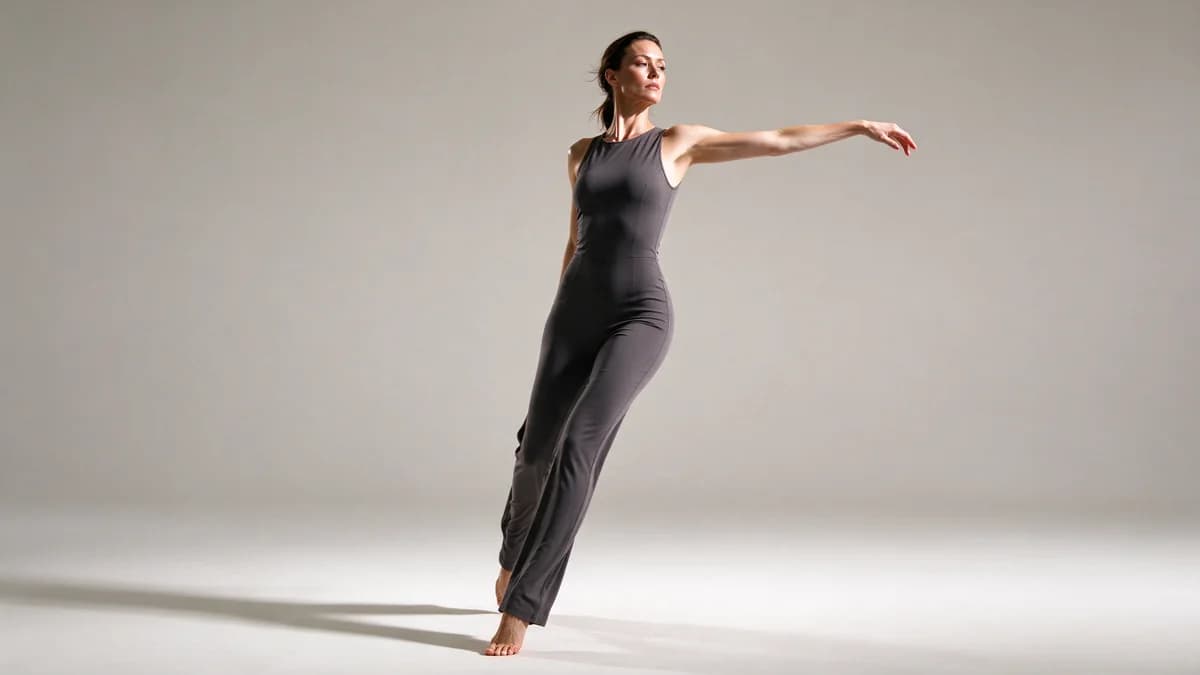
When motion control is the wrong tool
It is the wrong tool when you do not have a reference clip — and you should not manufacture one by generating a video first and feeding it back, because you inherit every artifact of that first generation and then amplify it.
It is also the wrong tool when the motion you want is one of the standard ones the platform already ships as a template. A dance, a hug, a wave — those have a fixed reference built in, and re-deriving them from your own footage only adds a failure point. Templates exist precisely so that the common motions do not need a reference clip at all.
Where motion control earns its keep is the motion nobody templated: a specific gesture from a client's brand film, a particular turn of the head from a family video, the exact way someone in a photograph used to move. That is the case it was built for, and it is the case where a clean reference clip is worth spending twenty minutes to shoot.
The last thing worth internalising: motion control rewards preparation disproportionately. Text-driven animation degrades gracefully — a mediocre prompt gives a mediocre result. Motion transfer does not degrade gracefully. A reference clip with one hand crossing the face gives you a broken face, in every take, at every seed, forever. Fix the input once, and the whole category of problems disappears.
If you would rather start from a working setup than build one from scratch, the motion control tool takes a reference clip and one still frame directly — the seven steps above are what separates a usable take from a broken one.