
Image to Video AI Free: What You Can Actually Make at Zero Cost
An image to video ai free tool can produce a genuinely usable clip — just not every kind of clip. What the zero-cost route reaches, which shot types survive it, and where the ceiling actually sits.
On this page
# Image to Video AI Free: What You Can Actually Make at Zero Cost
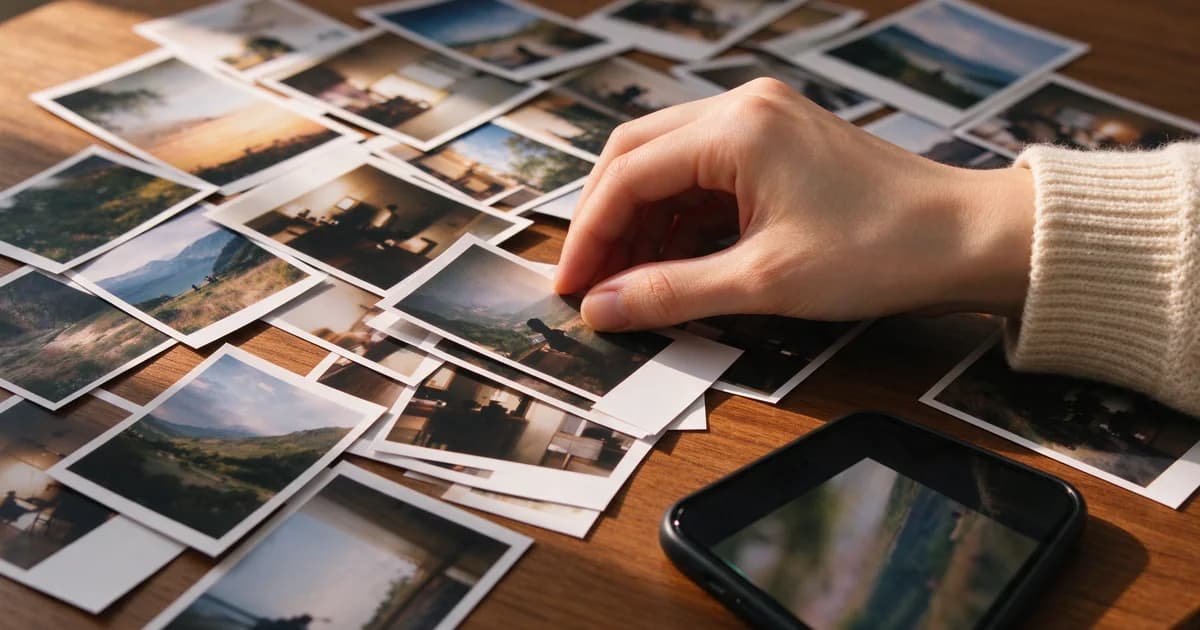
An image to video ai free tool is not a degraded version of a paid one. It is the same model answering a narrower question: given one still photo and a short instruction, what can be produced in five seconds at a resolution the platform can afford to give away? The answer is more than most people expect and less than the demo reels suggest, and the gap between the two is almost entirely about which shot you attempt.
This page is about feasibility rather than shopping. It assumes you have decided not to spend anything and asks a narrower question: of the clips you want to make, which ones can actually be made this way.
Three capability tiers, not two
Free tools are usually described as "limited", which hides the fact that the limits cluster into three distinct tiers with very different usefulness.
Tier one — motion only. The frame stays as photographed; something inside it moves. Hair lifts, water ripples, a curtain shifts, light crawls across a wall. Composition is untouched. This tier is the most reliable thing a free tool does, and for a lot of photographs it is also the most convincing result, because nothing about the frame has to be re-invented.
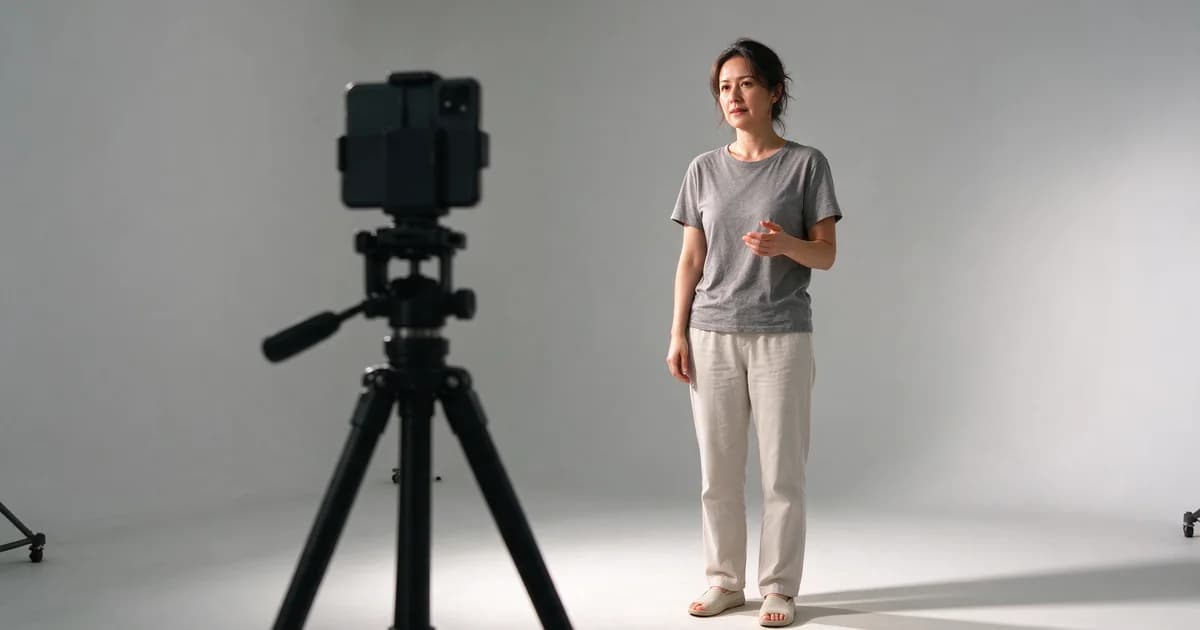
Tier two — small performance. A subject moves within the frame: a head turns fifteen degrees, a smile forms, a hand lifts. The body does not travel. This tier holds when the source photo is sharp, front-on and evenly lit, and falls apart when it is not.
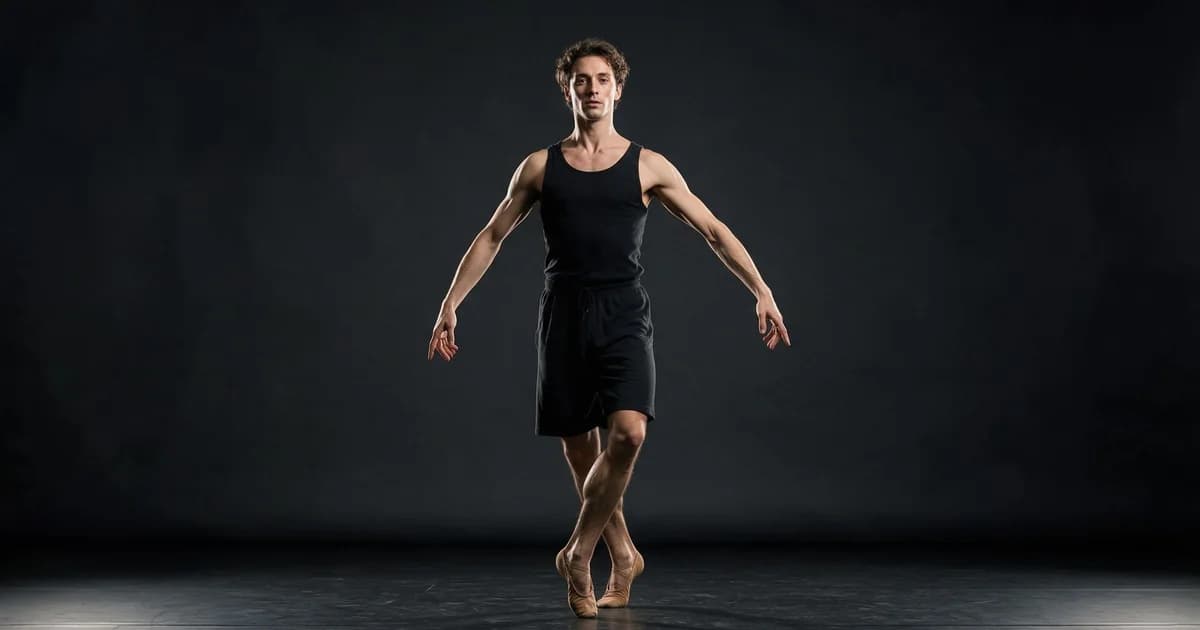
Tier three — locomotion. A subject walks, dances, turns around, or the camera moves through a scene. This is where free tiers stop being predictable. Locomotion asks the model to invent everything the photo never showed — the far side of a body, the ground, the space behind — and that invention is exactly the part that gets cut down first.
Most disappointment with free image-to-video comes from attempting tier three and judging the tool by the result. Tier one and two are where the zero-cost route is genuinely competitive.
One more distinction worth making early: tier is a property of the shot, not of the tool. The same free tier that fails at a dance will produce a convincing ten-second landscape, because the landscape asks it to move things nobody can check. Judging a platform by the tier-three clip you happened to try is the most common way people talk themselves out of a tool that would have worked for the shot they actually needed.
A feasibility table
Match the clip you want against the tier it belongs to before you spend an attempt.
| What you want | Tier | Realistic on a free tier? | If not, what to do instead |
|---|---|---|---|
| A still portrait that breathes and blinks | 2 | Yes, reliably | — |
| Rain, snow, fog or dust added to a scene | 1 | Yes, reliably | — |
| Water, smoke, fire or foliage moving | 1 | Yes, reliably | — |
| A slow push-in on a landscape | 3 | Usually, if the camera move is the only motion | Lock the subject and move only the camera |
| A person turning to face the camera | 2 | Sometimes | Start from a three-quarter angle, turn less |
| A person walking toward the camera | 3 | Rarely | Cut to a second still instead |
| A full dance | 3 | No | Use a template with recorded motion |
| Two people embracing | 2–3 | Depends entirely on the source pair | Start from a photo where they are already close |
| A product rotating | 3 | No | Move the light, not the product |
The pattern in the right-hand column is consistent: when the thing you want sits in tier three, the fix is almost always to convert the shot into tier one or two rather than to push harder on the prompt.
What the source photo has to satisfy
Free tiers usually cap output at 720p and five seconds. Those two numbers change what a good source photo looks like.
Sharpness matters more than resolution. A 2000px photo with motion blur produces a worse clip than a 1200px photo that is sharp, because the model amplifies whatever detail it is given — including blur. Check the eyes; if they are soft at 100%, the clip will be softer.
Crop for the output aspect. If you are delivering 9:16, crop the source to 9:16 before uploading. Letting the tool reframe means the model invents the sides of the frame, and invented sides are where walls bend.
Keep the subject away from the edges. At 720p there are simply fewer pixels at the frame boundary, so edge artifacts arrive first. A subject centred with margin survives; a subject cropped at the shoulder does not.
Simplify the background. Detail in the background competes for the same limited budget as the subject. A blurred or plain background is not an aesthetic choice here, it is a technical one.
Four shot types, four outcomes
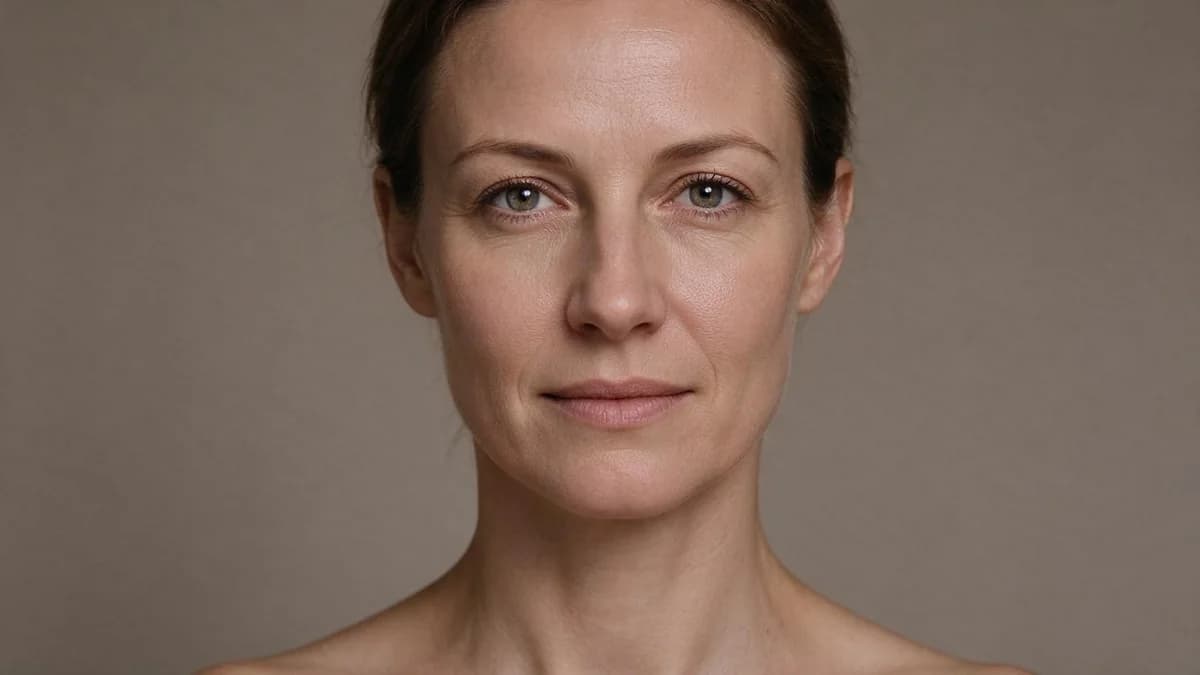
Portrait close-up. The best case for a free tier. One face, one micro-motion, five seconds, locked camera. Identity survives because the model only has to hold one thing still. This is where free output is genuinely indistinguishable from paid.
Full-body action. The worst case. A full body in motion needs the model to keep proportions consistent across a moving skeleton, and that is the first thing a reduced budget drops. If you need this, use a template that carries real recorded motion rather than asking a text prompt to invent it.
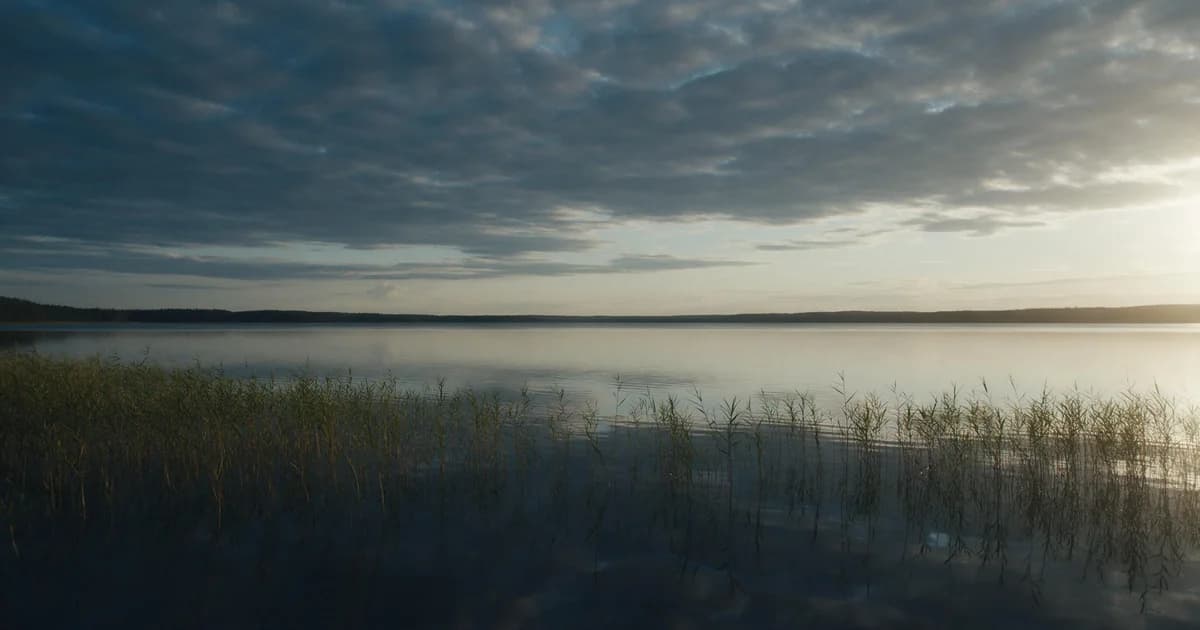
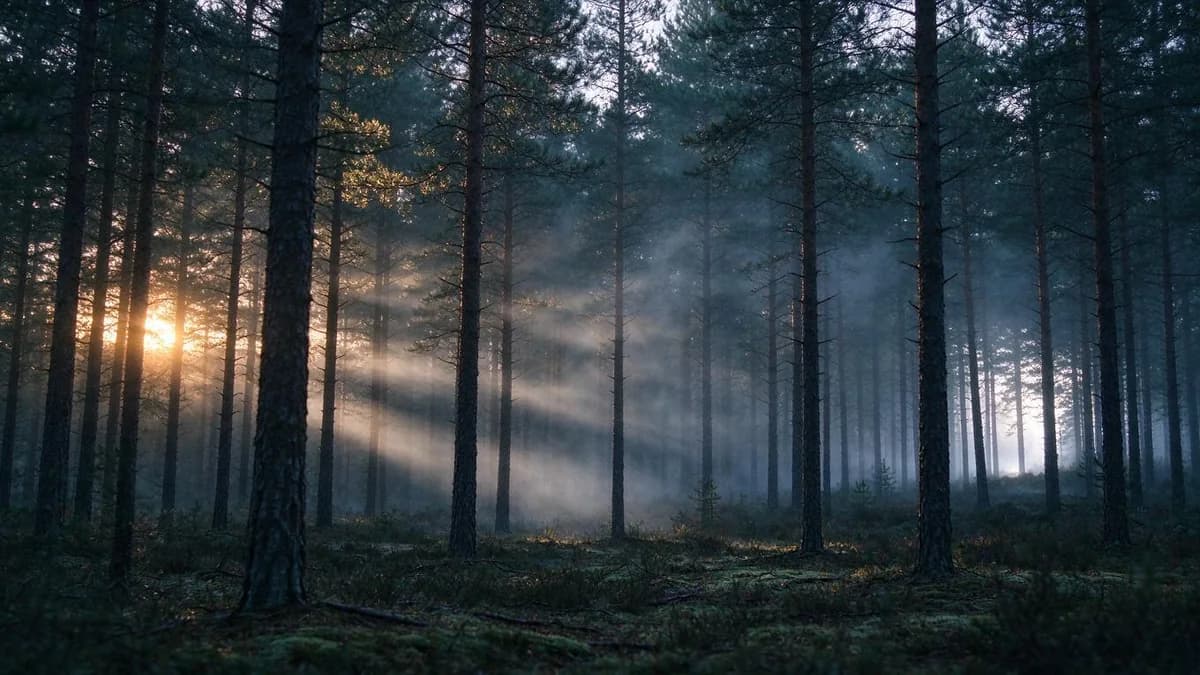
Landscape and environment. Surprisingly strong, because almost everything that moves outdoors — clouds, water, grass, distant traffic — has no checkable geometry. A ten-second landscape often looks better than a five-second portrait, which is the opposite of what people expect.
Product shots. Middling. The product itself must not move, so the motion has to come from light or environment: a reflection sliding across a surface, a shadow shortening. Ask for the product to rotate and the edges will wobble.
Three habits that stretch a zero-cost budget
Draft at the smallest size, then re-run the winner. Judging whether a face holds does not need full resolution. Drafting small and re-running the one good take at the highest setting available turns a handful of attempts into a dozen.
Change one variable per attempt. The four variables are the source photo, the motion sentence, the duration and the aspect ratio. Changing two at once means the next result cannot tell you which one mattered.
Write the sentence before you open the tool. Compose it in a notes app, then paste. Time spent typing inside a generator is time not spent testing, and on a metered allowance that difference compounds.
Where free genuinely stops
Three specific walls, in the order people hit them:
- You need more than about five seconds of continuous action. Duration is the first cap and the last one lifted. Anything that needs a full gesture — a wave that completes, a walk that covers ground — runs out of clock.
- The same subject has to appear in several shots. Without references or seeds, identity drifts between generations. Two clips of "the same person" will read as two people.
- The output has to survive a large screen. A 720p clip is fine on a phone and soft on a monitor. If the destination is a website hero or a presentation, the ceiling arrives immediately.
None of these is a reason to abandon the free route. They are the three questions worth answering before you plan a project around it.
FAQ
Can a free image to video tool make a clip good enough to post? For portraits, environments and atmosphere, yes. The two things that block posting are a watermark over the subject and an output below 720p — check both, then judge.
Why does my clip look fake even when it is clean? Usually light. Generated motion defaults to flat, directionless lighting. Naming a light source and a direction in the sentence changes perceived realism more than any other single edit.
Do I need a high-resolution photo? You need a sharp one. Past roughly 1200px on the short edge, sharpness matters more than pixel count.
Can I make a video from a picture of a product? Yes, but let the environment move rather than the product. A sliding reflection reads as alive; a rotating product reads as broken.
How many attempts should a clip take? One or two for a portrait, more for anything with a body in motion. If a shot type consistently needs five or more, the shot type is wrong for the tier, not the prompt.
Does the aspect ratio I choose affect quality? It affects how much the model has to invent. Cropping a landscape frame to 9:16 yourself only removes pixels — that is free. Asking the tool to output 9:16 from a landscape source is different: it has to fill the missing top and bottom, and that is where the frame breaks. Match source orientation to output orientation whenever you can, and crop before you upload rather than after.
Next
How to Make AI Videos covers choosing between the three generation routes, and What a Free Tier Actually Costs is the companion piece on auditing the allowance itself rather than the output. For the input side, How to Turn a Photo into a Video goes deeper on source selection, and Animate Photos explains which parts of a still frame can move at all.
Put one photo through a five-second draft on the templates page.
The checks in this article are easier to run than to describe: the image to video tool takes one still and returns a five-second clip, which is usually enough to see whether the frame holds up.