
AI Dance Generator: Make Any Photo Move Like It Is Dancing
An AI dance generator turns one still photo into five seconds of motion. What decides whether the clip holds: source framing, camera lock, and one clearly written move.
On this page
# AI Dance Generator: Make Any Photo Move Like It Is Dancing
An AI dance generator is where an image-to-video model has the most room to show what it can do — and the least room to hide. A portrait only asks the model to drift light and skin. A dance asks it to invent a body's worth of movement, frame after frame, and keep the same person inside it.
That is not a reason to avoid the format. It is a reason to understand which decisions belong to you and which belong to the model. Almost all of the first kind happen before you press generate.
Three ways this gets made
The label covers three different pipelines, and they behave differently.
One photo, generated motion. The model reads your still, invents the movement, and keeps identity from frame one. Fastest route, and the most sensitive to framing: a waist-up portrait cannot produce a leg kick, because there are no legs to start from.
Template motion. A recorded dance clip is mapped onto your subject. Contact geometry is real, so the result reads as dance rather than as drift — but you inherit the template's camera angle and body type.
Motion transfer. You supply both a photo and a reference clip. Closest to choreography, and unnecessary if all you want is a five-second loop for social.
Most searches for an AI dance generator mean the first. Plan accordingly.
The source photo decides the ceiling
Before prompts, before settings, the source frame fixes what is possible.
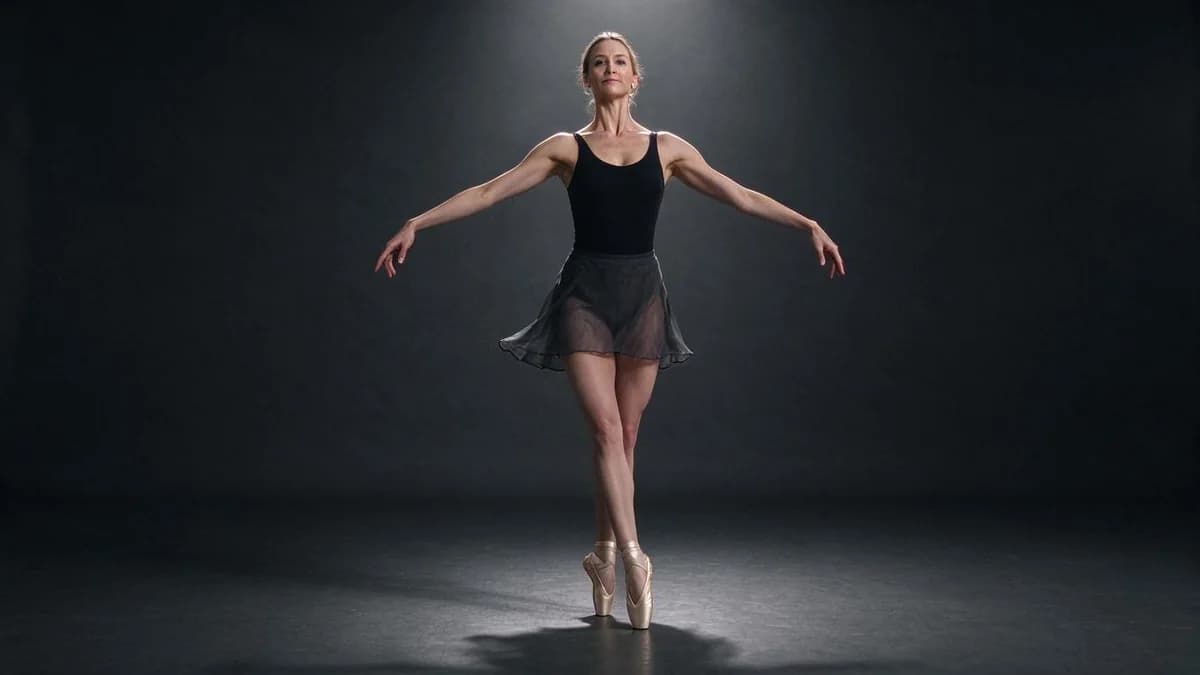
- Full body, feet included. If the feet are cropped, the model invents them, and invented feet do not stay planted.
- Arms clear of the torso. Overlapping limbs are the single most reliable way to get a hand that belongs to nobody.
- One subject. Two bodies in one frame means two identities to hold.
- Plain or blurred background. Busy backgrounds drift with the subject and pull attention off the movement.
- Even, directional light. Flat light gives the model nothing to anchor depth against.
- At least 1000px on the short edge. Below that, faces soften within two seconds.
- Full-length framing with margin. Leave space below the feet and above the head; motion needs room.
Run those seven checks and most of the difficulty disappears before the model is involved.
Lock the camera
A moving camera plus a moving subject is two problems solved at once, and the second one usually loses. Ask for a static shot first. Add a slow push only after the motion itself is clean, and treat that as a separate experiment.
The same logic applies to framing: state it. "Full body in frame, static camera" is a constraint a model can satisfy. "Cinematic dance video" is a mood, and moods do not resolve into pixel positions.
The three numbers
| Setting | Use | Why |
|---|---|---|
| Duration | 5s to start, 10s as a second pass | Five seconds keeps identity intact; ten asks the model to hold it twice as long |
| Resolution | 720p draft, 1080p final | Draft at low resolution, then re-run the exact setup you liked |
| Aspect | 9:16 social, 16:9 YouTube, 1:1 feed | Cropping 16:9 to vertical removes feet, which is usually the point |
Writing the motion
Motion prompts work as a sequence, not as an adjective. Name the body parts, then the camera, then the framing.
| Intent | Prompt |
|---|---|
| Gentle groove | "subject sways side to side, shoulders relaxed, feet planted, static camera, full body visible" |
| Hip-hop bounce | "subject does a two-step bounce, arms swinging loosely at the sides, camera locked, full body in frame" |
| Turn and hold | "subject turns 180 degrees and stops, hair follows the turn, static camera, wide shot" |
| Duo | "two people step in sync, both fully in frame, camera static, wide shot" |
| Hold, minimal motion | "subject holds a pose, subtle breathing only, static camera" |
Two rules underneath all of them: always name the camera, always name the framing. Those two clauses do more work than any style word.
Five things to control
Cut-off feet. The model reframes to fit the motion. Shoot wider than you need, or ask for a wide shot explicitly.
Face drift. Identity is hardest to hold through fast head turns. Keep the head steady and the clip short.
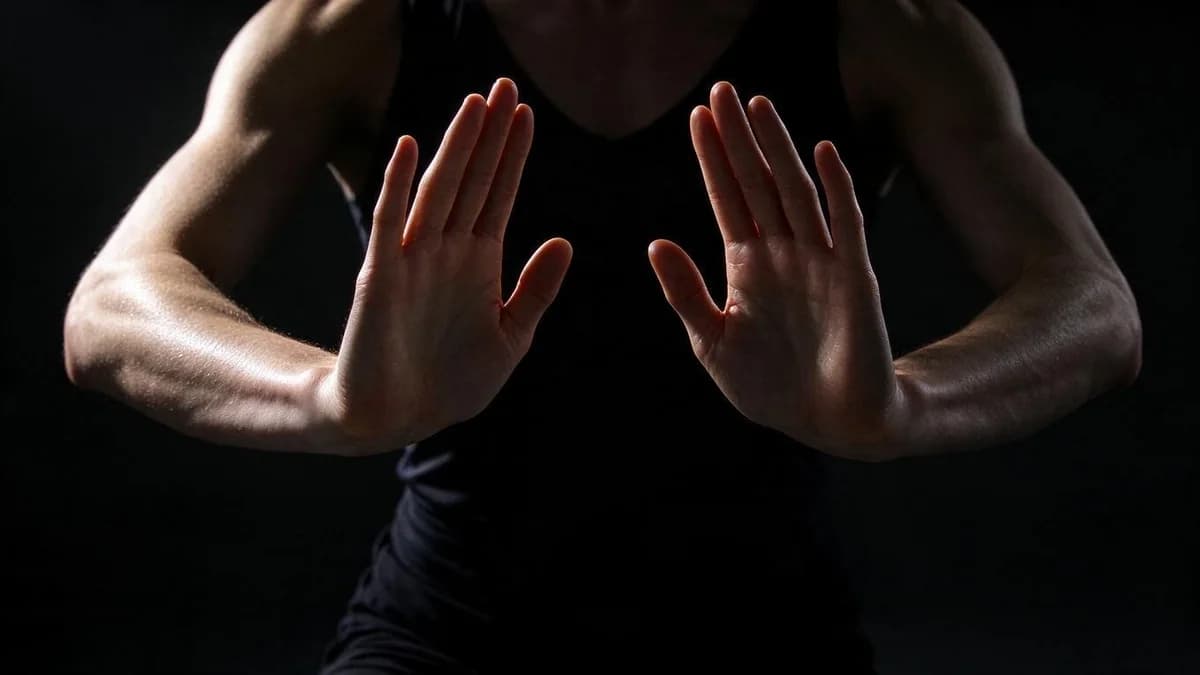
Merged hands. Hands near the torso or crossing each other is the classic trigger. Choose poses with clear space between arms and body.
Background movement. Busy backgrounds drift with the subject; a plain wall or blurred backdrop keeps the frame quiet.
Rubber limbs. Long, fast motions exceed what the model can track. One motion per generation, smaller amplitude.
Every one of these is decided before you press generate, which is why the source frame and the prompt carry so much weight.
What separates a good generator from a demo
Four things are worth checking before you commit to a tool.
| Check | What good looks like |
|---|---|
| Duration options | Explicit 5s and 10s |
| Resolution | 720p and 1080p both available |
| Aspect ratios | 9:16, 1:1 and 16:9 |
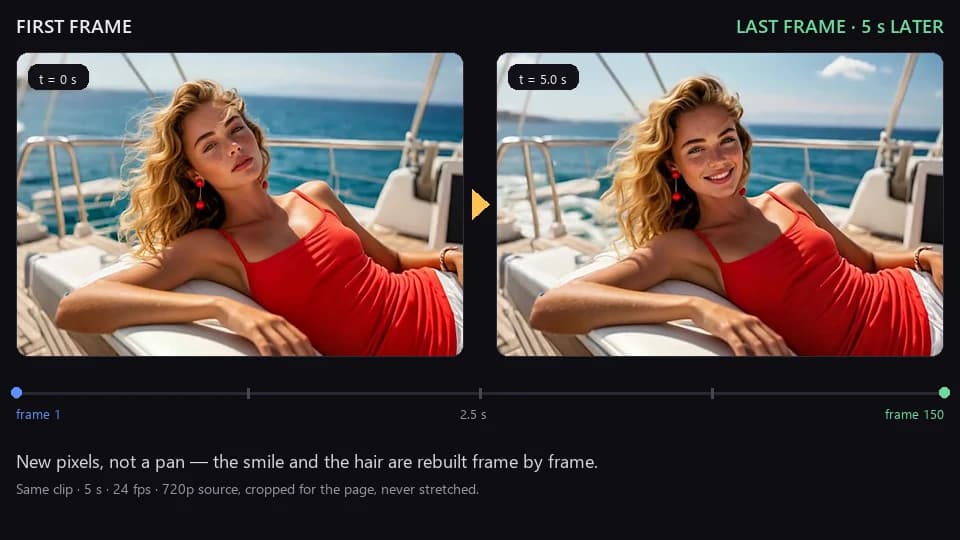
| Frame consistency | The subject is the same person at the end as at the start |
The last one is the real test. A demo shows you the best frame; a tool worth using keeps the same face for the whole clip.
FAQ
Can one photo really become a dance? Yes — framing decides how far it can go. Full body, feet in frame, simple background.
How long should the clip be? Start at five seconds. Move to ten once the framing holds, and keep the camera locked in both.
Why does the face change mid-clip? Fast head turns and profile angles are where identity is hardest to hold. Keep the head steady and the clip short.
Do I need a template? Not necessarily. Templates give you real motion but limit you to the library. Prompt-driven image-to-video is more flexible and less predictable.
Which aspect ratio for Reels or TikTok? 9:16. Generating in 16:9 and cropping loses the feet.
How do I get a clean first pass? Choose the source frame carefully, name one motion, lock the camera, keep it to five seconds. Nearly every good dance clip comes out of those four decisions.
Where to go next
If you are starting from a still, read How to Turn a Photo into a Video first — the source-photo rules apply directly. For motion phrasing, AI Video Prompt Guide goes deeper on prompt structure, and Image Aspect Ratios and Multiple Inputs explains why 9:16 changes what the model can keep in frame.
Ready to try it on your own photo? Open the templates page and start from a still.
If you want to test those rules on your own photo first, the AI dance tool takes one full-body shot and returns a five-second take — one pass is usually enough to see whether the frame qualifies.