
AI Image to Video: Turn One Photo Into a 5-Second Clip
One photo in, a 5- or 10-second clip out — usually in 1–2 minutes at 720p or 1080p. New accounts get 200 free credits, exports carry no watermark, and failed generations are refunded automatically.
On this page
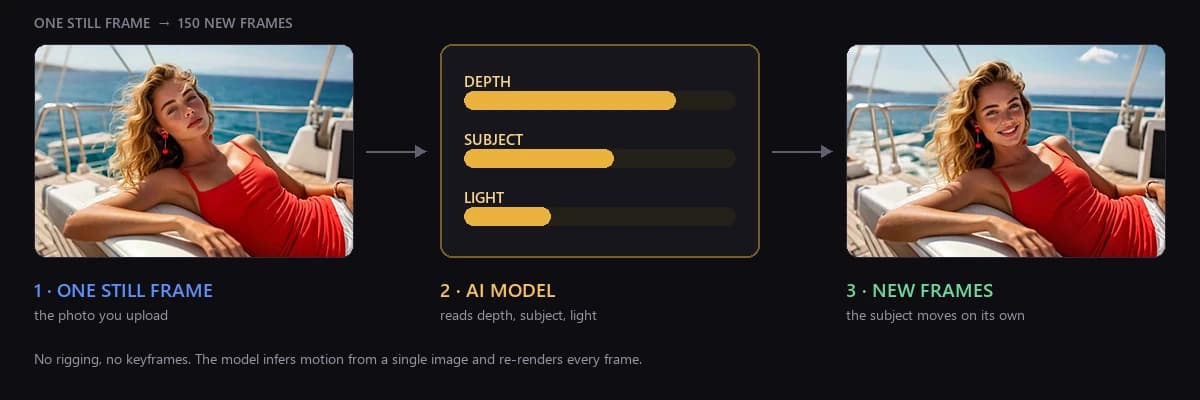
Upload a photo, choose a motion template, and in about 1–2 minutes you get a 5- or 10-second MP4 at 720p or 1080p. That is what people mean by image to video — also called photo to video, or "make this picture move". It all starts with the still you already have.
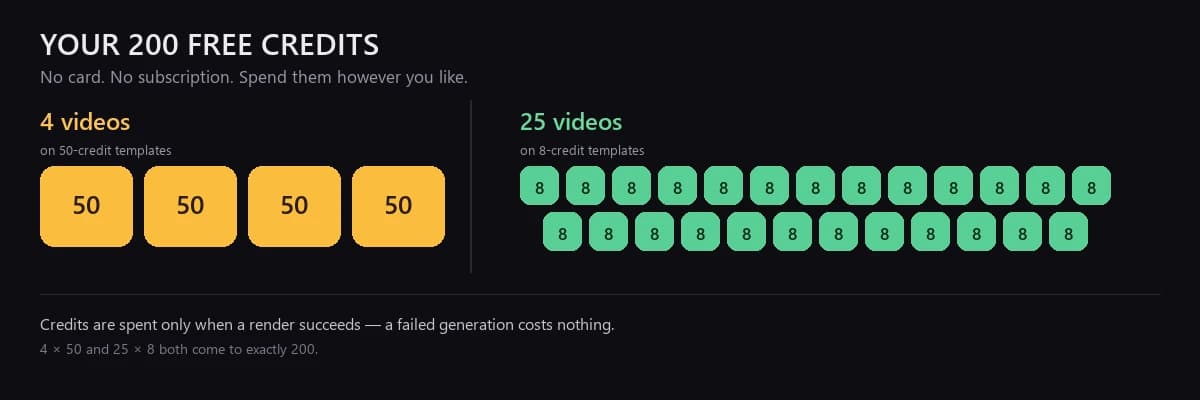
No software to install, no timeline, no keyframes. A new account comes with 200 free credits — at default settings that is 4 clips on a 50-credit template, or 25 clips on an 8-credit one; a different model, a longer clip or a higher resolution costs more. Failed generations are refunded automatically (the one exception is content that fails review).
- The full interface runs in a desktop browser — nothing to install, no waiting for a download.
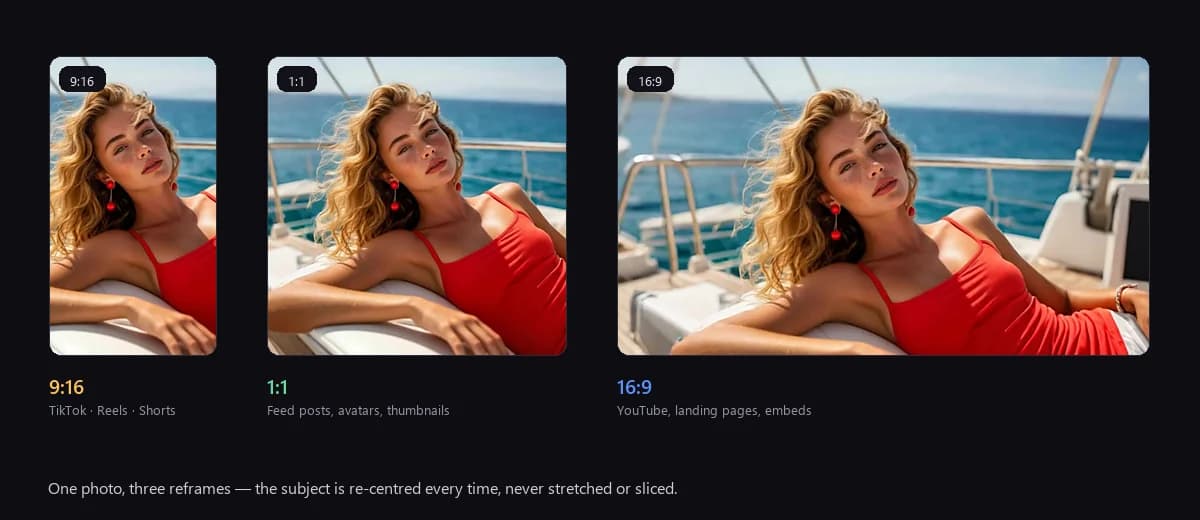
- Three aspect ratios out of the box — 16:9 for product pages, YouTube and your own site; 1:1 for feed posts; 9:16 for TikTok, Reels and Shorts.
- No gate other than credits — 200 land in your account on signup, one clip spends one chunk. 1080p, 10-second clips and all six template families are available from day one.
Three steps: upload, pick a template, download
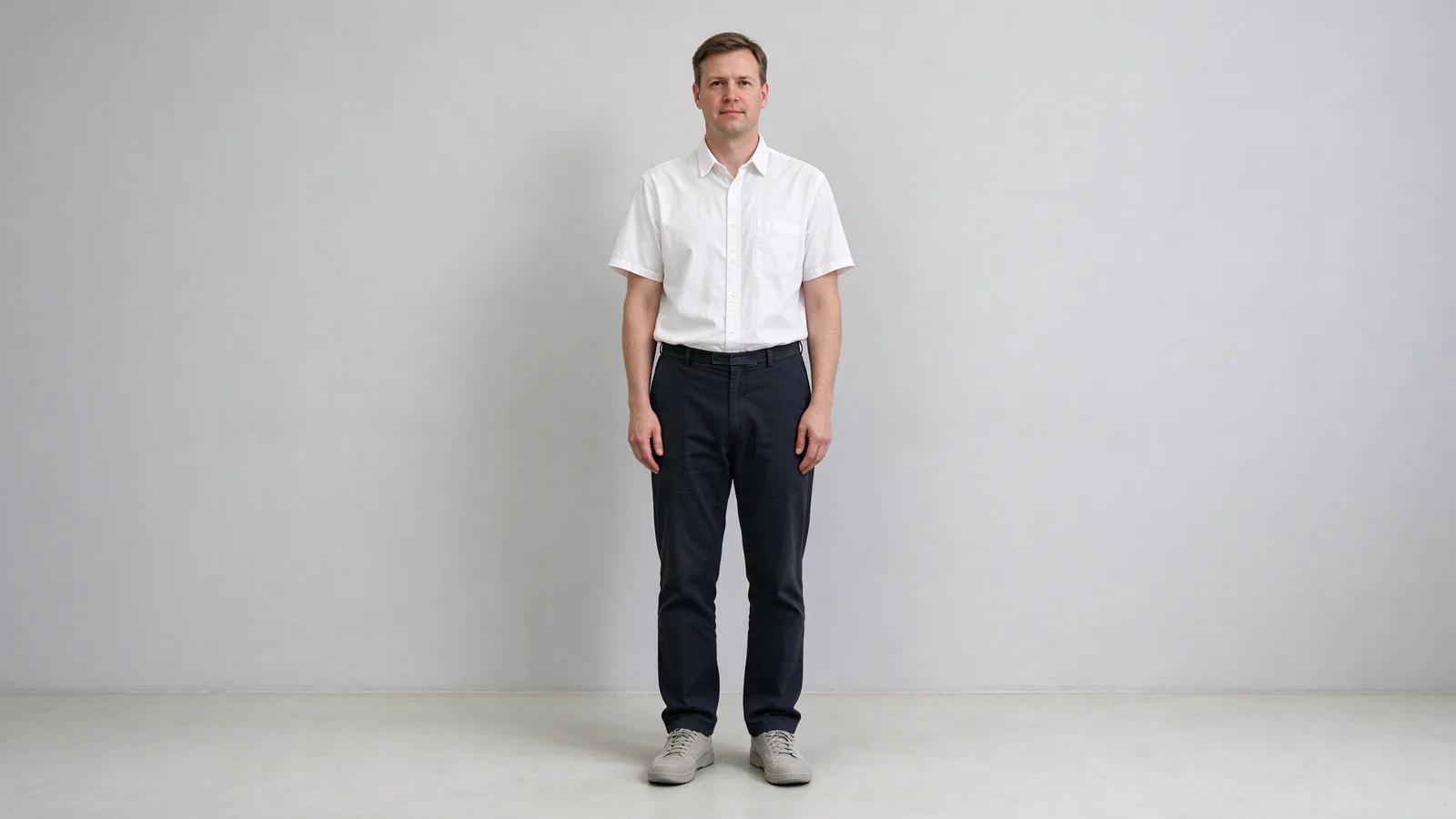
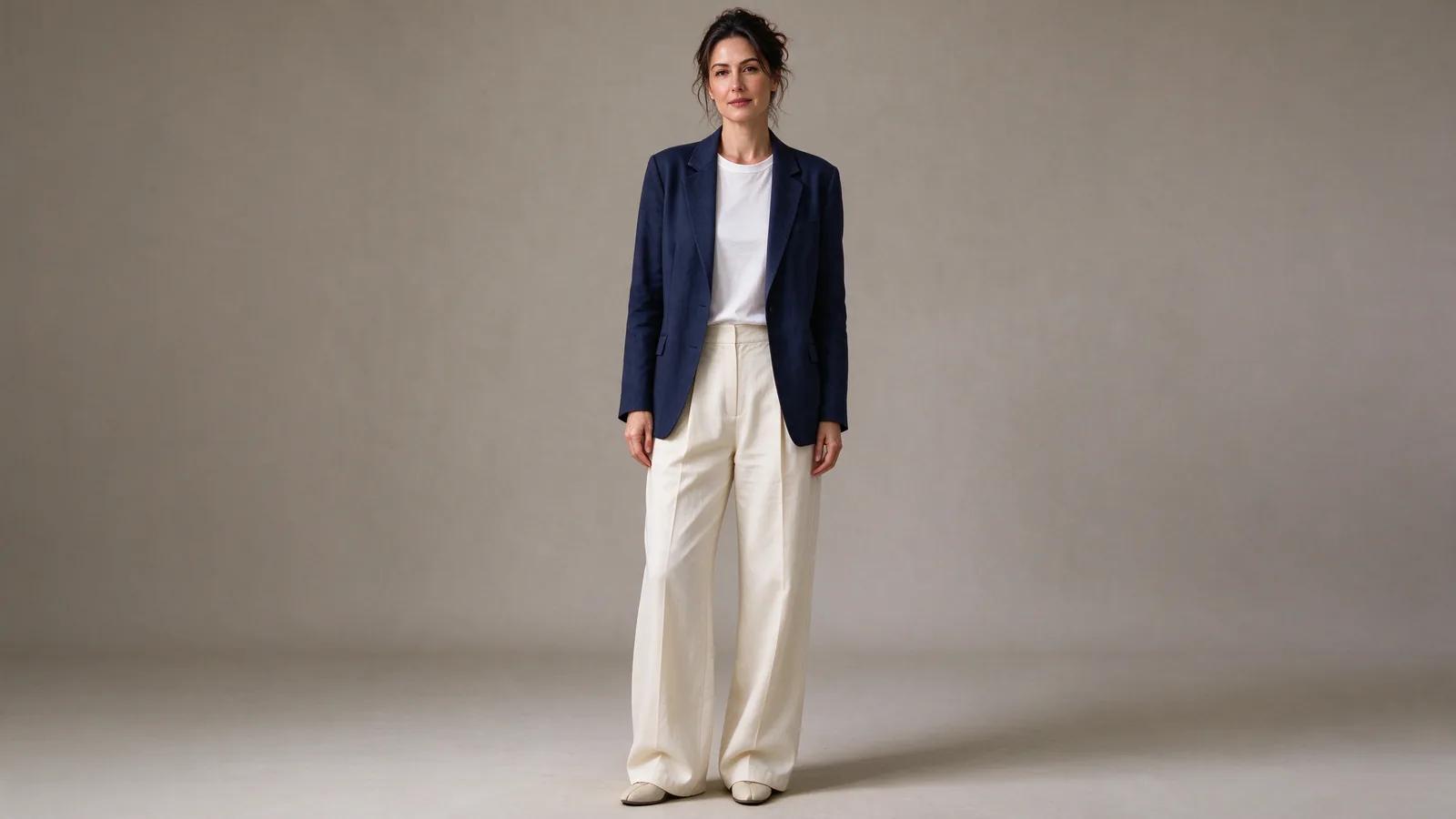
Step one — upload. Front-facing, evenly lit, clearly focused photos work best and produce the fewest duds. Profiles, wide-angle shots and heavy filters fall apart. JPG, PNG and WebP are accepted.
HEIC will not upload. iPhones save HEIC by default. Two ways out: set Settings > Camera > Formats to "Most Compatible" before shooting, or convert what you already have to JPG and upload that.
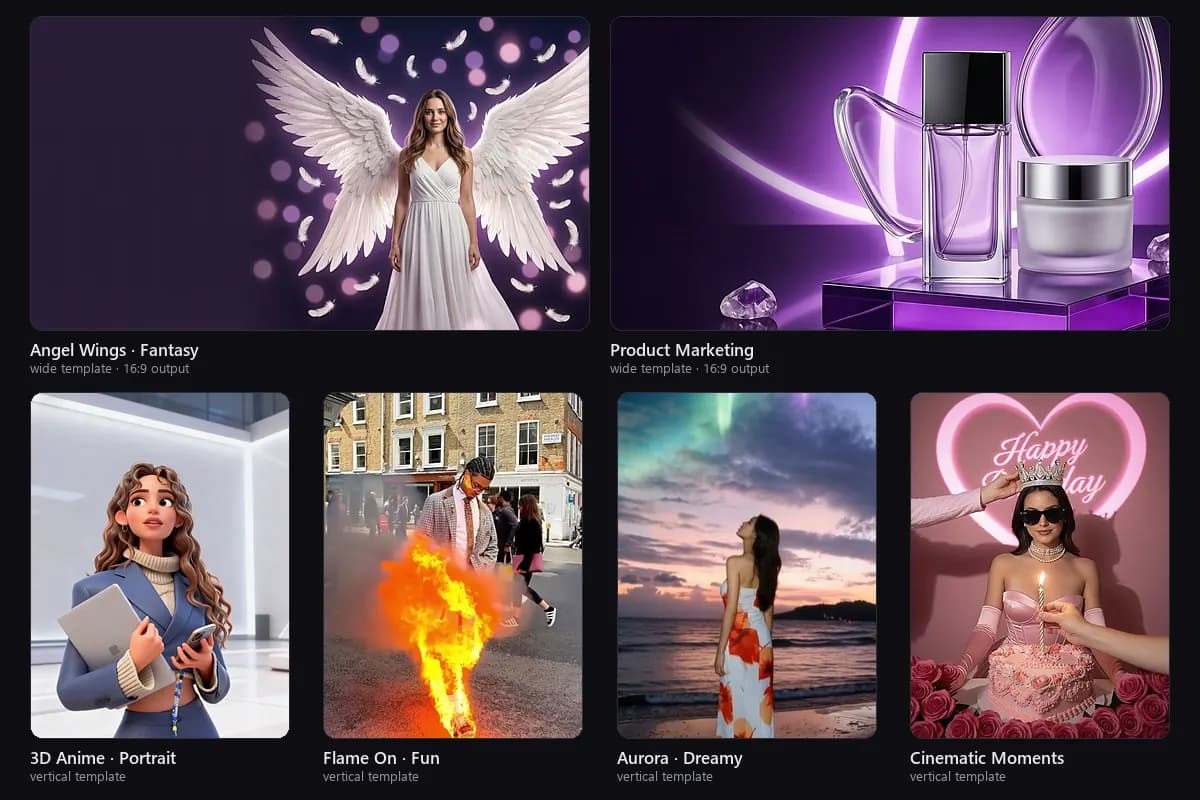
Step two — pick a template. Six families: Angel Wings (portraits, mood), Product Marketing (e-commerce), 3D Anime (avatars), Flame On, Aurora Dream, and Cinematic Moments. Each card shows what it costs at default settings (50 or 8 credits); a longer clip or a sharper export costs a little more. Picking the wrong template is more common than uploading the wrong photo — do not put a product shot through a portrait template.
Step three — set options and download. Run 720p first (faster and cheaper), then re-render at 1080p once the motion is right. Five seconds is enough for a feed loop; ten suits a hero video or an opening title.
"A moving photo" vs "redrawn every frame"
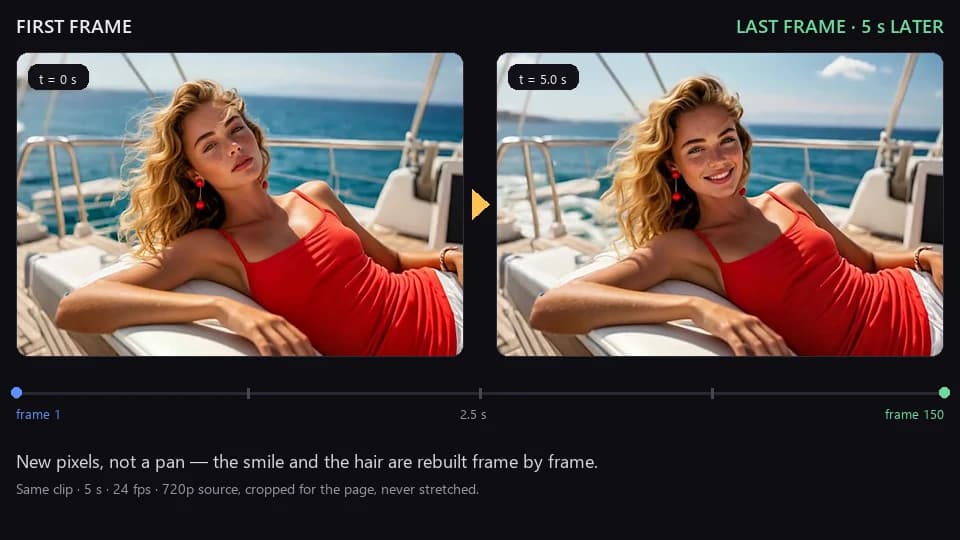
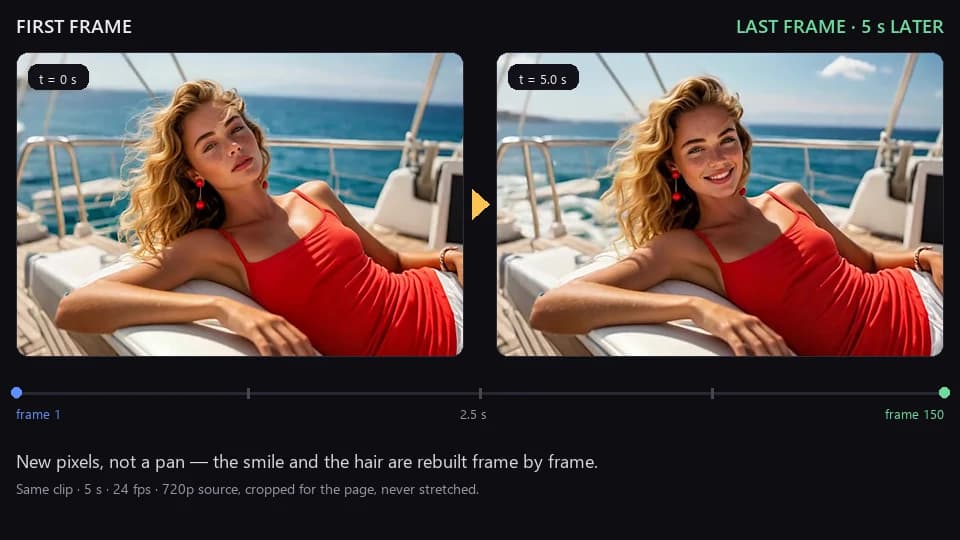
Tools that only push in or pan keep the subject still — the frame moves, the person does not, and neither the expression nor the background changes. AI image to video redraws every frame: hair lifts on its own, fabric folds shift, a pet's tail wags, water in the background ripples.
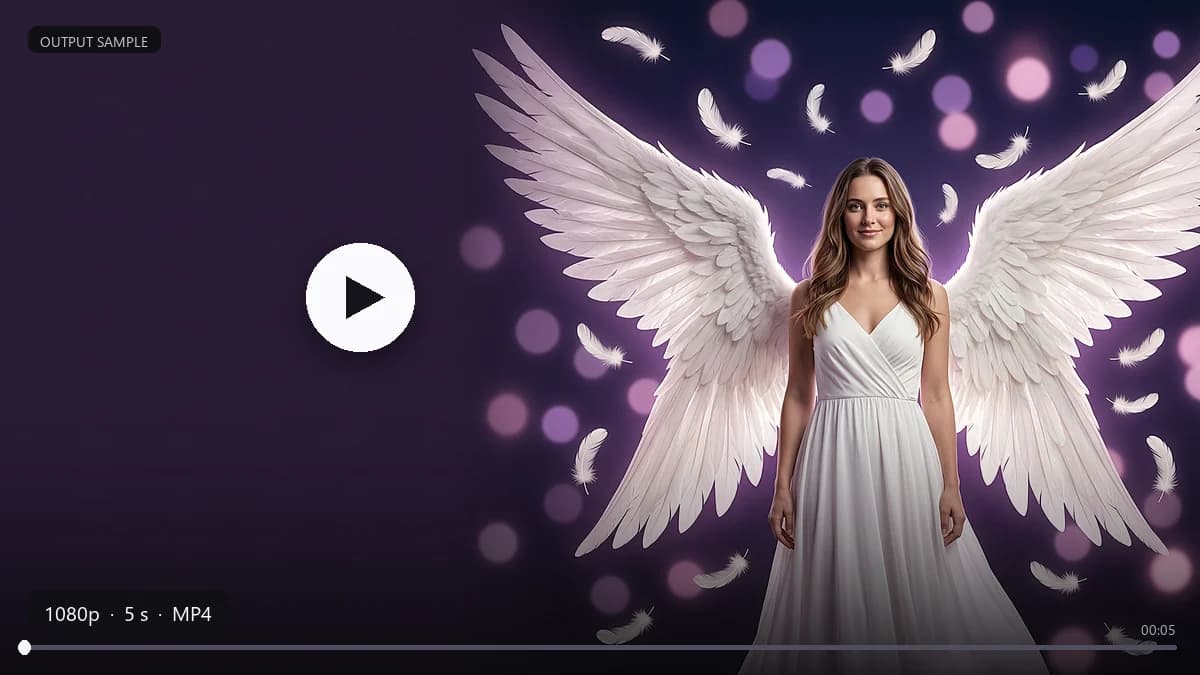
How to tell: compare the first and last frame. If the expression, the direction of the hair and the light in the background have all changed, it was generated. If only the frame moved while the subject stayed put, it was a pan. Look at our sample: the first frame is calm, five seconds later she is smiling — that is not the same photo shifted into a different position.
Why a computer is the better place to do this
The product is built for desktop first. Not that mobile is unusable — it is that these three things are simply easier on a computer:
| Step | Computer | Phone |
|---|---|---|
| Choosing a template | Six families on one screen, details visible | One card at a time, easy to pick wrong |
| Uploading | Camera originals and design files are already there | You have to move the photo to the phone first |
| Downloading 1080p | Lands in your downloads folder, ready to re-edit or publish | Saved to the camera roll, one more hop to every platform |
Generation usually takes 1–2 minutes. You can close the tab while it runs and collect the result from My Works.
Mobile is for checking the effect and forwarding it to someone. Produce the final clip on a computer.
Publishing to a product page, your own site or an ad platform? Download the file first. Clips in My Works are cleared after 7 days, and hot-linking them will break.
What people use it for
These are the jobs that mostly get done sitting at a desk:
| Use case | How it is used | Ratio |
|---|---|---|
| Product hero / detail page | A flat packshot becomes a 5-second moving hero, downloaded before it goes into the design | 1:1 or 16:9 |
| E-commerce volume | One photo through five templates = five different assets | by platform |
| Website / landing page | Swap the hero image for a 5-second loop, no separate shoot | 16:9 |
| Feed posts | A cover image that moves beats a still | 1:1 |
| TikTok / Reels / Shorts | Pets, portraits, travel — one photo, one vertical clip | 9:16 |
| Anniversaries and birthdays | Old photos and family portraits brought to life (sharper originals work better) | 9:16 |
How many videos 200 credits actually buys
| Template type | Per clip at default settings | Clips from 200 credits |
|---|---|---|
| High-quality templates (50 credits) | 50 | 4 clips |
| Light templates (8 credits) | 8 | 25 clips |
- No daily generation cap, and neither resolution nor duration needs an extra unlock.
- Each render is priced by model, duration and resolution; the 50 / 8 above are the default-setting rates, and changing duration or resolution changes the cost. The full price table sits under "Rules" in the credit centre.
- A failed generation is refunded automatically; content that fails review is not, and you do not need to contact support.
- Every template works on a free account, and exported videos carry no watermark.
- Top up whenever you like — or don't.
Settings
| Item | Options |
|---|---|
| Duration | 5 s / 10 s |
| Resolution | 720p / 1080p |
| Aspect ratio | 9:16 / 1:1 / 16:9 |
| Upload formats | JPG, PNG, WebP |
| Output | MP4, downloadable |
Frequently asked questions
Is it really free? Signing up gives you 200 credits — enough for 4 clips at default settings. When they run out you can buy more, and purchased credits never expire.
Will it distort faces? A front-facing photo with even light and a clearly readable face usually comes out looking like the person. Profiles, wide-angle lenses and heavy beauty filters fall apart — that is not the model, it is the input missing information.
Are exported videos watermarked? No. Free accounts export with no logo and no corner mark, ready to publish as they are.
Can I use it commercially? If you shot the photo yourself, publishing your own content is straightforward. Advertising use or work handed to a client follows the terms of service; if someone else is in the photo, get their permission first.
Can I do it on a phone, and how is it different? You can open it, upload and generate — no feature is missing. But choosing templates, uploading camera originals and downloading 1080p are all easier on a computer. Produce final clips on desktop; use the phone to check the effect and pass the result on.
How long does one clip take? Usually 1–2 minutes. Five-second clips finish faster than ten-second ones, and 720p finishes faster than 1080p.
How long are generated videos kept? Up to 7 days, then they are cleared automatically. Download within those 7 days; you can also delete them yourself from My Works at any point in that window.
Do credits expire? Purchased credits have no expiry date. Credits bundled with a membership lapse when the membership ends, and promotional credits follow the date shown when you claim them.
Does a membership renew automatically, and can I cancel? Memberships are subscription-based; the amount and the period are shown at checkout. You can cancel any time on the membership page in account settings — nothing renews after the current period, and the benefits run to the end of it.
Can I get a refund? Yes, within 7 days of purchase. The refund is calculated on the credits you have not used, and the team reviews it within 3–7 business days.
Which payment methods are supported? Checkout shows the methods available in your region.
How your photos are handled
An uploaded photo is used only to generate that one video. The working copy on our servers and the generated video are kept for at most 7 days, then cleared automatically; you can delete either yourself from My Works at any time during those 7 days. We do not train models on your photos.
If you want to keep a clip, download it within 7 days. Full details are in the privacy policy.
Upload one photo and generate your first clip → Pick the image, pick a template, and a minute or two later you have something you can publish. For the first run, use 720p with an 8-credit template to check the motion, then re-render at 1080p.