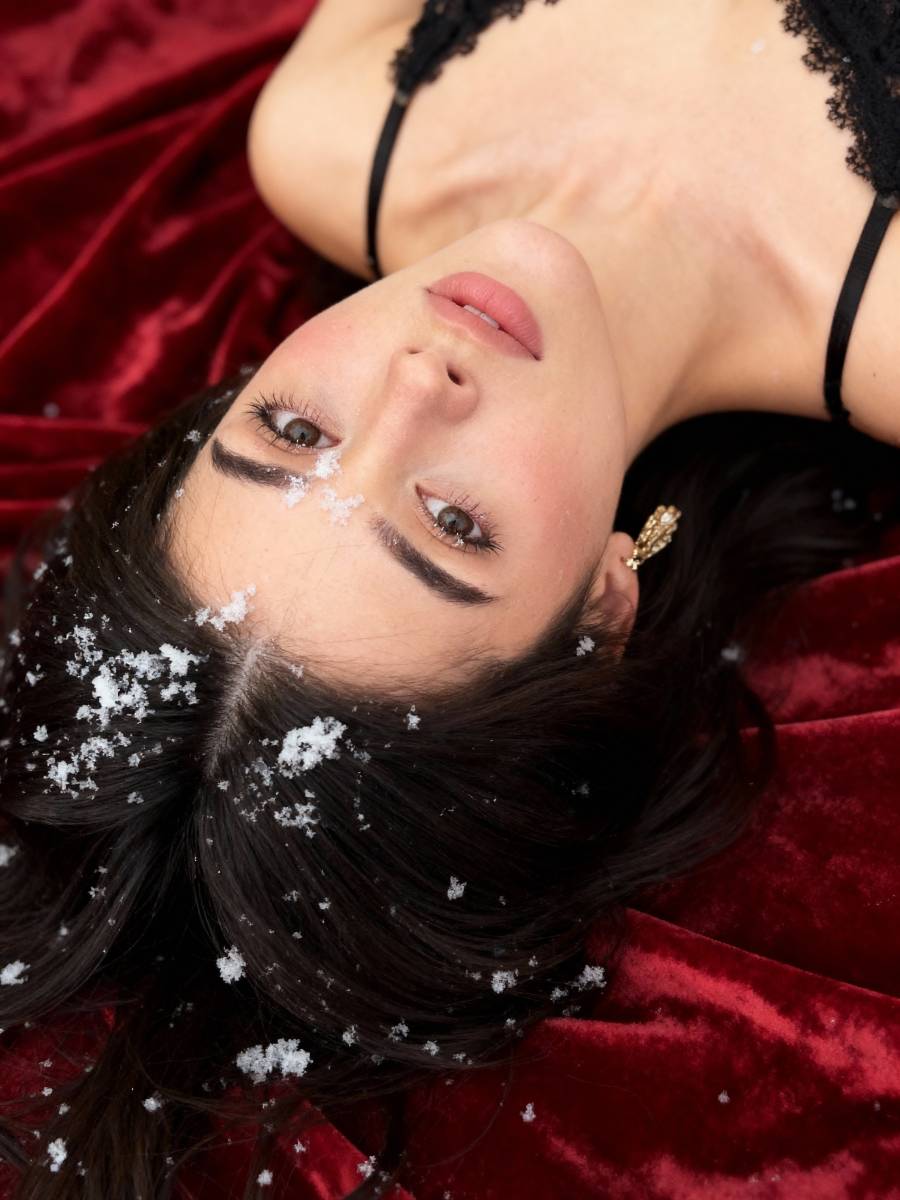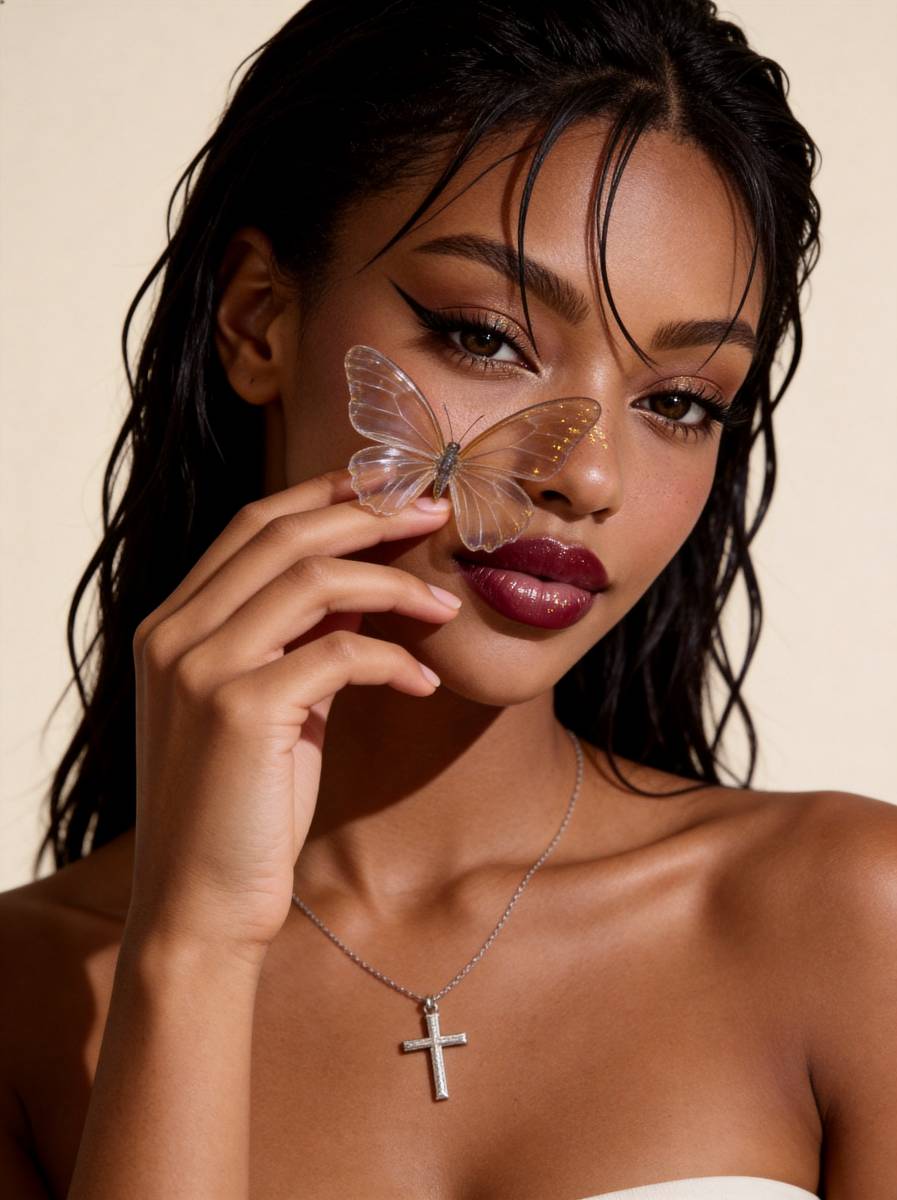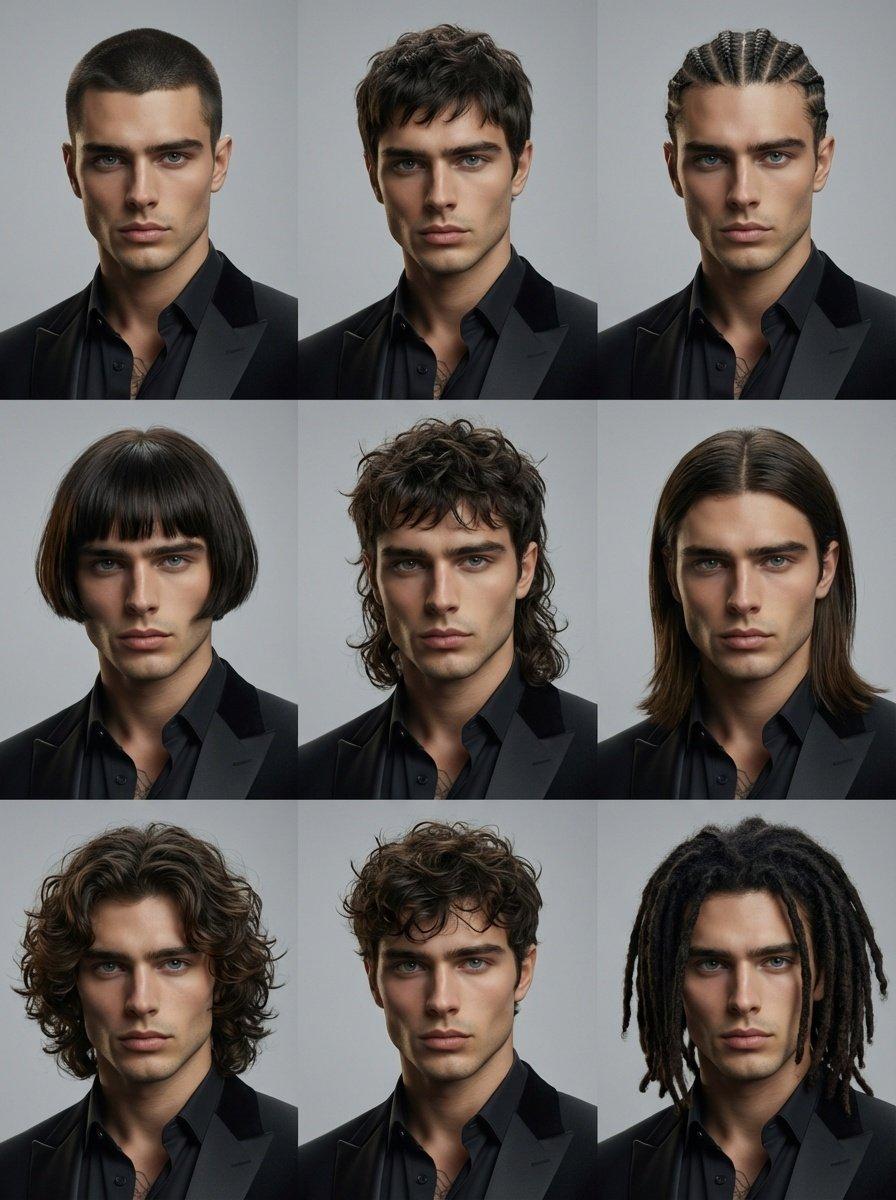

Create your own Under the Vines with one photo.
What you need
- Person
Options
- Quality
- 1K
- Format
- 3:4 · 9:16 · 1:1
- Images per run
- 1–1
Under the Vines — Choosing your photo
A centered portrait with room along the edges gives the vines space to frame the subject.
Choose a clear solo photo.
How it works
- 1
Upload a photo
Pick a clear picture to start from.
- 2
Describe the change
Say what should look different, or choose a style.
- 3
Generate and download
Your image appears here when it is ready.